
For digital format products, delivery takes place within 5 minutes of receiving payment, via email.
 Whatsapp
DISCOUNT -10% - use the code SAT10 valid without minimum order
 Immediate Digital Delivery
Original License
Satisfaction or Money Back Within 30 Days
Easy Activation
Installation Guide Included
24/7 Support, Including on WhatsApp
Reusable in Case of Formatting
Multilingual
Updates Included Where Applicable
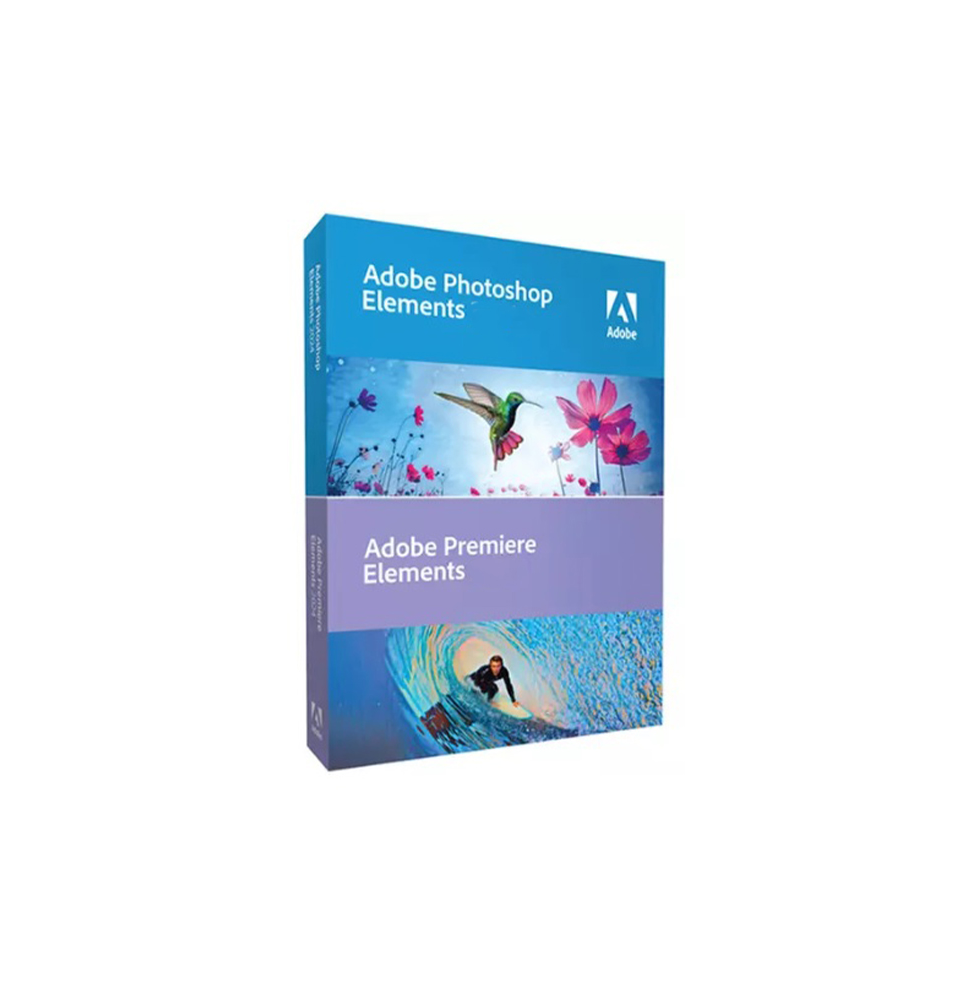
Adobe Photoshop Elements 2025 - Photographic Creativity for Everyone
Adobe Photoshop Elements 2025 is the ideal solution for those who want to edit, organize and share their photos with intelligent and accessible tools. Perfect for photography enthusiasts, digital creatives, and families, Photoshop Elements combines powerful editing features with an intuitive, step-by-step interface.
Perfect for transforming every shot into a work of art
Thanks to Adobe Sensei technology, the artificial intelligence integrated into the software, you can achieve amazing results even without professional experience.
Main features included in Photoshop Elements 2025
Step-by-step guided edits
More than 60 guided edits help you achieve creative and professional results: background replacement, artistic effects, double exposure, automatic coloring, retouching and much more.
Smart automatic correction
Automatic adjustment of exposure, colors, contrast and sharpness in one click, with the possibility of manual refinement.
One-click automatic selection
Automatically identify and select subjects and objects within a photo - useful for cutting out, replacing backgrounds or creating advanced effects.
Removal of unwanted elements
Remove objects or people from photos smoothly, automatically reconstructing the background with natural results.
Creation of collages and animated presentations
Combine multiple photos into compelling compositions or create short videos/slideshows to share.
Artistic effects and smart filters
Apply painterly styles, watercolor, pop art, sketch and many others, inspired by art and modern visual trends.
Automatic photo organization
Smart grouping based on faces, places, dates and events. Intelligent search for keywords, subjects or dominant colors.
Creation and printing of content
Cards, invitations, calendars, photo books and graphics to print directly from the software.
Integrated Adobe Sensei AI Technology
Photoshop Elements leverages machine learning to facilitate complex tasks such as:
Automatic face retouching (smile, open eyes, skin smoothing) Coloring of black and white photos Blur effect removal Automatic improvement of sky and landscapes
Compatibility and Technical Requirements
Supported Operating Systems:
Windows 10 and Windows 11 (64 bit) macOS 12.0 (Monterey) or later versions
⚠️ The software is not natively compatible with Linux systems. However, it can be run on Linux and unsupported macOS through virtualization tools like Parallels Desktop, VMware Fusion or similar solutions.
Internet connection required for:
Software activation Downloading updates Access to online features (such as Adobe Stock or cloud services)
Type of installation:
Local installation via executable file or physical media (DVD/USB in boxed kits)
Recommended hardware requirements:
CPU: Intel 6th gen or higher, AMD Ryzen or Apple Silicon (with Rosetta 2) RAM: 8 GB (12 GB recommended for more intensive workflows) Disk space: At least 10 GB free for installation GPU: Graphics card with at least 1 GB VRAM, compatible with DirectX 12 or Metal Display: Recommended resolution 1920×1080 or higher
Who is Adobe Photoshop Elements 2025 suitable for?
Amateur photographers and hobbyists who want to enhance their shots without learning complex software Families and students who want to create collages, printable memories and content for digital albums Freelance creatives and social creators looking for a smart but lightweight editor Seniors or beginners who want a powerful but easy-to-use tool, with integrated tutorials Educators and educational institutions who want to introduce students to photo editing
Photographic creativity within everyone's reach
Adobe Photoshop Elements 2025 makes image editing accessible and fun. Thanks to the perfect balance between automation and manual control, it is the ideal companion to bring your memories to life, enrich them and share them with the world.



Immediate Digital Delivery
Original License
Satisfaction or Money Back Within 30 Days
Easy Activation
Installation Guide Included
24/7 Support, Including on WhatsApp
Reusable in Case of Formatting
Multilingual
Updates Included Where Applicable