
For digital format products, delivery takes place within 5 minutes of receiving payment, via email.
 Whatsapp
DISCOUNT -10% - use the code SAT10 valid without minimum order
 Immediate Digital Delivery
Original License
Satisfaction or Money Back Within 30 Days
Easy Activation
Installation Guide Included
24/7 Support, Including on WhatsApp
Reusable in Case of Formatting
Multilingual
Updates Included Where Applicable
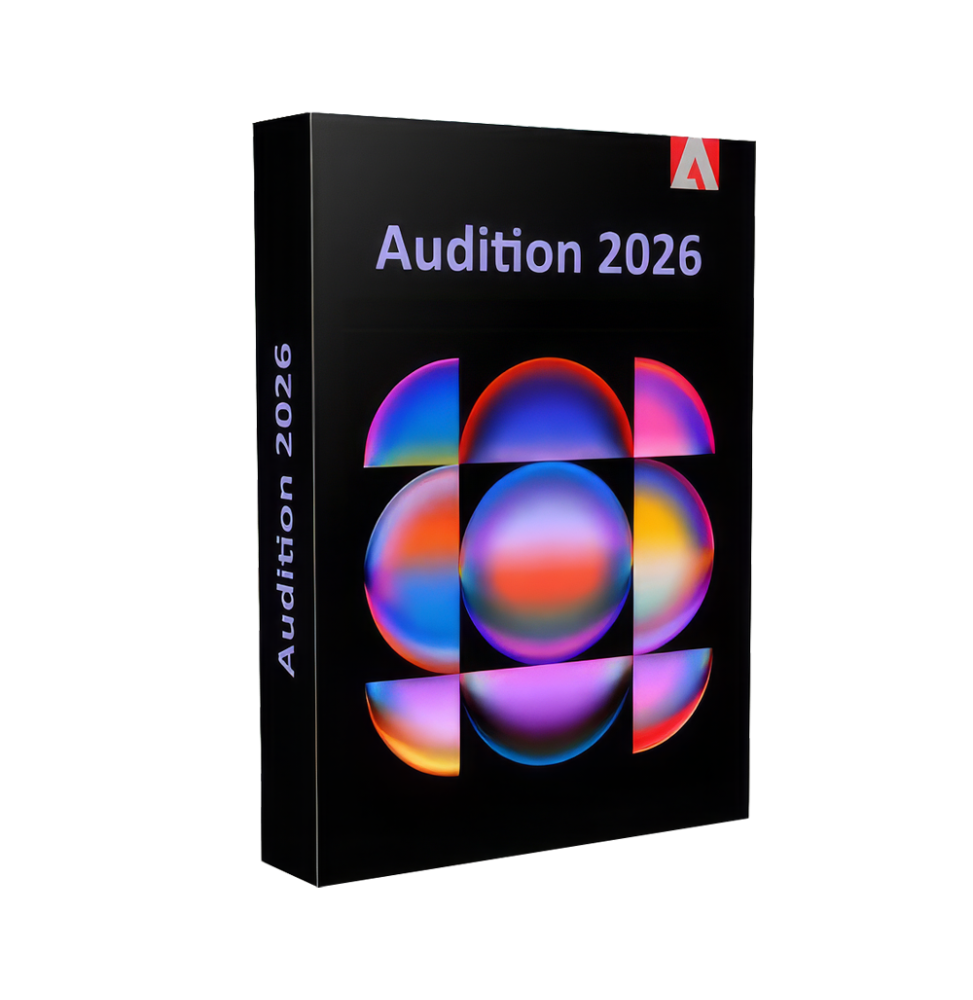
Adobe Audition 2026 is a professional software dedicated to editing, mixing, restoring, and producing high-quality audio. It is designed to meet the needs of recording studios, sound designers, podcasters, video editors, and post-production professionals, and represents a complete solution for managing digital audio.
Thanks to an advanced yet intuitive interface and powerful sound processing tools, Audition allows you to work on single tracks or complex multitrack projects, ensuring precise and professional results at every stage of audio production.
Main features
Adobe Audition 2026 offers a complete set of tools for professional audio processing:
Advanced audio editing (Waveform Editor) Allows detailed modification of individual audio files with sample precision. You can cut, merge, normalize, apply effects and correct imperfections directly on the waveform.
Multitrack environment (Multitrack Editor) Allows you to work on complex projects with multiple simultaneous audio tracks, ideal for music, podcasts, soundtracks, and video productions. It includes tools for mixing, automation, and clip management.
Restoration and sound cleaning Advanced tools for noise reduction, click removal, buzz, hum, and environmental disturbances. Includes features to improve the quality of imperfect recordings and recover deteriorated audio.
Professional audio effects A wide library of integrated effects, including equalizers, compressors, reverbs, delay, chorus, flanger, and much more. Effects can be applied in real-time or in a destructive mode.
Noise reduction and vocal enhancement Advanced technologies allow you to isolate the voice, improve clarity, and make dialogues and vocal recordings more intelligible.
Support for surround and spatial audio Management of multichannel audio formats, including 5.1 and 7.1, for film and broadcast productions.
Multichannel recording Ability to record multiple audio inputs simultaneously, ideal for interviews, podcasts, and music sessions.
Audio analysis and diagnostics Tools to analyze spectrum, phase, frequencies, and dynamics of the audio signal, useful for accurate technical control.
Integration with the Adobe ecosystem
Adobe Audition 2026 integrates seamlessly with other Adobe software, ensuring a continuous workflow:
Direct integration with Premiere Pro for synchronized audio/video editing Support for import/export with After Effects Compatibility with Media Encoder for audio format management Dynamic Link to work without intermediate exports
Operating system compatibility
Adobe Audition 2026 is compatible with:
Windows 10 and Windows 11 (64 bit) macOS in the latest supported versions Support for Intel and Apple Silicon architectures
Recommended hardware requirements
For optimal performance, an adequate configuration is recommended:
Multi-core processor (Intel Core i5/i7 or equivalent AMD Ryzen or higher) Minimum RAM memory of 8 GB (16 GB or more recommended for complex projects) Audio card compatible with ASIO or Core Audio drivers SSD disk space with at least 10–15 GB free Minimum screen resolution 1920 x 1080 Internet connection for activation, updates, and cloud services
What is included
Adobe Audition 2026 includes a complete environment for audio production:
Waveform editor for detailed modifications Multitrack editor for complex mixes Library of professional audio effects Restoration tools and noise reduction Support for multichannel recording Advanced audio analysis Full integration with Adobe software Support for standard and professional audio formats
Who it is suitable for
Adobe Audition 2026 is particularly suitable for:
Sound technicians and audio engineers Podcasters and content creators Recording and music production studios Video editors who need advanced audio post-production Broadcast and radio professionals Sound designers for film, TV, and digital content
Conclusion
Adobe Audition 2026 represents a complete and reliable solution for professional audio management and production. Thanks to the combination of advanced tools, operational precision, and integration with the Adobe ecosystem, it allows you to achieve high-quality results in any production context. It is an indispensable tool for those who want to work with audio professionally, providing total control over every phase of the process, from recording to finalization.


Immediate Digital Delivery
Original License
Satisfaction or Money Back Within 30 Days
Easy Activation
Installation Guide Included
24/7 Support, Including on WhatsApp
Reusable in Case of Formatting
Multilingual
Updates Included Where Applicable