




For digital format products, delivery takes place within 5 minutes of receiving payment, via email.
 Whatsapp
 Immediate Digital Delivery
Original License
Satisfaction or Money Back Within 30 Days
Easy Activation
Installation Guide Included
24/7 Support, Including on WhatsApp
Reusable in Case of Formatting
Multilingual
Updates Included Where Applicable
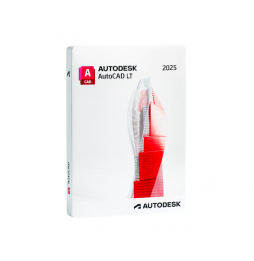
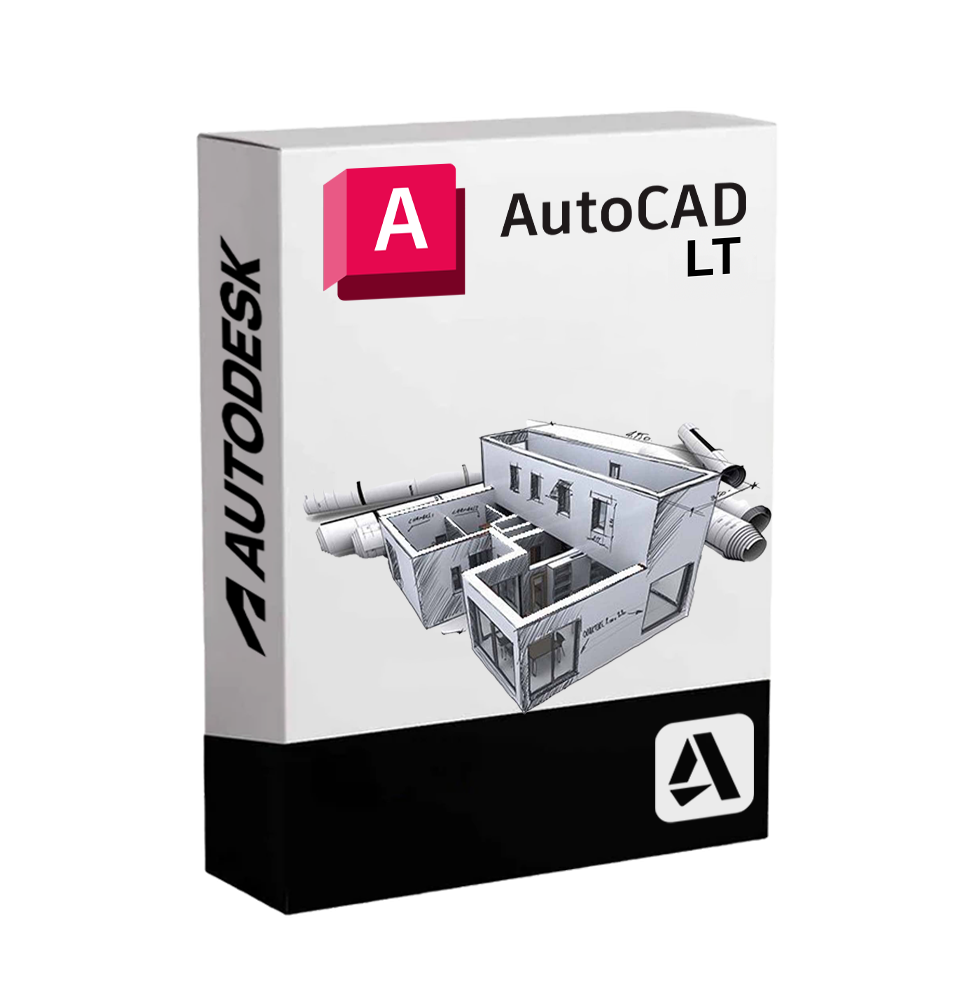
Autodesk AutoCAD LT is a simplified but highly professional version of the famous AutoCAD software, designed for those who primarily work with 2D drawings. Although lighter than the full version, AutoCAD LT retains all the essential tools for creating, modifying, and documenting technical drawings accurately and efficiently. It is the perfect solution for technical studios, freelance professionals, designers, and companies that require a professional CAD environment without advanced 3D features.
Who is it suitable for
AutoCAD LT is ideal for:
• Architects and engineers who mainly work in 2D and need a stable and precise software for floor plans, sections, and construction details. • Surveyors and technical draftsmen involved in drafting graphic elaborations, diagrams, and project boards. • Professional studios and technical offices looking for a lightweight but DWG standard compatible CAD solution. • Freelance professionals who need a reliable and accessible CAD environment.
Main Features
Professional 2D drawing
AutoCAD LT offers comprehensive tools for creating precise two-dimensional drawings:
✔️ Lines, arcs, polylines, circles, ellipses ✔️ Associative dimensions ✔️ Hatch and gradients ✔️ Blocks, external references (XREF) and print layouts
Edit and manage objects
Intuitive tools for moving, rotating, scaling, mirroring, cutting, extending, and arranging objects.
✅ Advanced layer and graphic property management ✅ Snap, grid, and constraint commands to ensure accuracy
Familiar and productive interface
Modern, customizable Ribbon interface, with multifunction bar and quick access to the most used commands. Supports keyboard shortcuts and dynamic search tools.
Annotations and technical documentation
Insertion of texts, tables, dimensions, callouts, hatches, and technical symbols. All annotative objects are scalable and manageable in layout to ensure precise printing.
Full DWG compatibility
Files generated with AutoCAD LT are fully compatible with the full version of AutoCAD and other software based on the DWG and DXF format, ensuring maximum interoperability.
Cloud collaboration and mobility
AutoCAD LT allows access to projects via AutoCAD Web and AutoCAD Mobile App, allowing editing and viewing of drawings from a browser or mobile device, wherever you are.
Compatibility and system requirements
Supported operating systems:
• Windows 11 / 10 (64 bit) • macOS Monterey, Ventura and later versions (AutoCAD LT has a dedicated version for Mac)
AutoCAD LT Web and Mobile
Included access to web and mobile versions to continue work on the go.
Recommended hardware requirements:
• Processor: Intel® i5 or equivalent AMD, 2.5 GHz or higher • RAM: Minimum 8 GB (recommended 16 GB for smooth workflows) • Graphics card: GPU compatible with DirectX 11 or Metal (for macOS) • Disk space: 10 GB available on recommended SSD • Screen resolution: Minimum 1920 x 1080
Internet connection required for software activation, updates, and cloud access.
What is included in AutoCAD LT
• Complete tools for 2D drawing and editing • Professional environment compatible with DWG and DXF • Layer and object property management • Annotations and technical documentation • External references and dynamic blocks • Access to AutoCAD Web and Mobile • Saving and sharing files with integrated cloud services (OneDrive, Google Drive, Dropbox, Autodesk Docs)
Why choose AutoCAD LT
AutoCAD LT is the ideal choice for those looking for a solid, professional CAD solution focused on 2D drawing, without having to resort to advanced 3D modeling tools. It offers all the power and reliability of the AutoCAD engine, in a leaner and faster interface, ensuring optimal performance even on mid-range hardware.
Perfect for managing technical documentation, floor plans, layouts, and diagrams, AutoCAD LT proves to be an indispensable tool for those who work in the world of technical design with precision and flexibility.



Immediate Digital Delivery
Original License
Satisfaction or Money Back Within 30 Days
Easy Activation
Installation Guide Included
24/7 Support, Including on WhatsApp
Reusable in Case of Formatting
Multilingual
Updates Included Where Applicable