
For digital format products, delivery takes place within 5 minutes of receiving payment, via email.
 Whatsapp
 Immediate Digital Delivery
Original License
Satisfaction or Money Back Within 30 Days
Easy Activation
Installation Guide Included
24/7 Support, Including on WhatsApp
Reusable in Case of Formatting
Multilingual
Updates Included Where Applicable
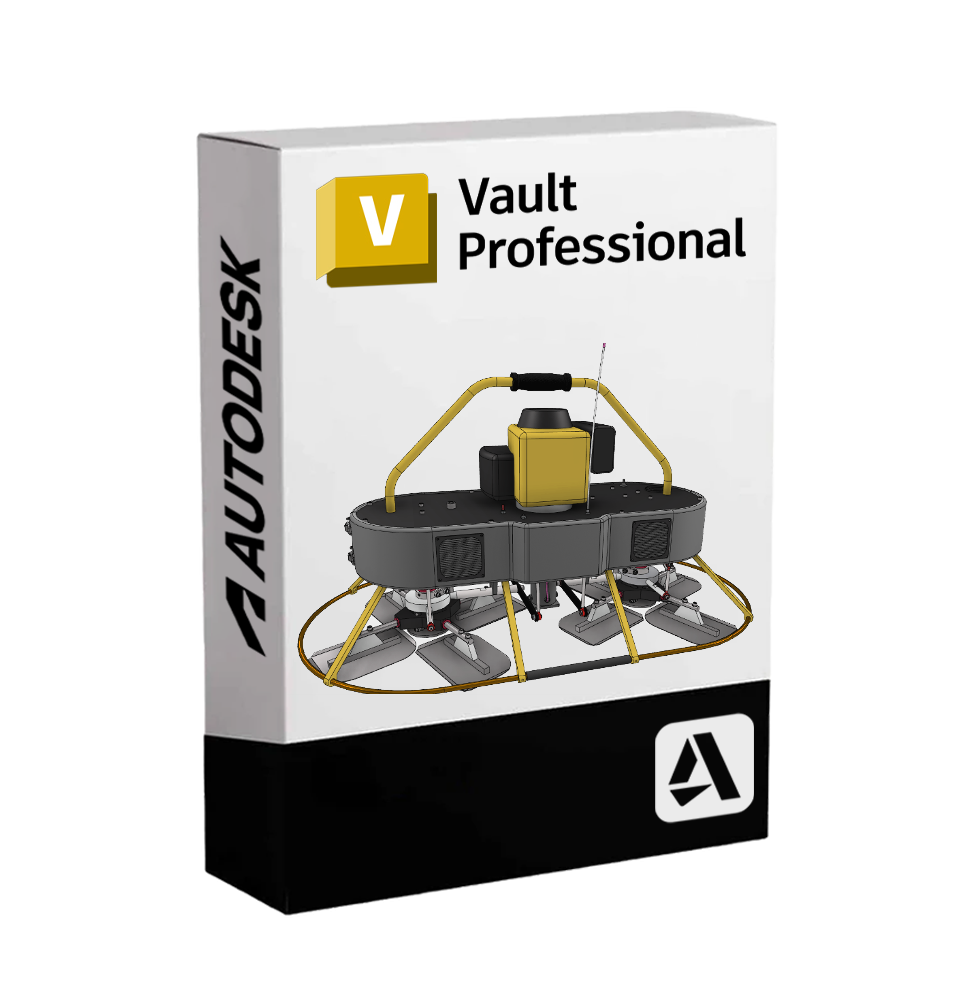
Autodesk Vault Professional – Advanced Project Data Management and Process Automation in Technical Design Environments
Autodesk Vault Professional is an enterprise-level PDM (Product Data Management) solution designed to store, manage, control, and track all data related to the life cycle of a technical project, ensuring secure collaboration and automated business processes.
Designed for complex CAD and BIM environments, Vault Professional natively integrates with Autodesk tools - such as Inventor, AutoCAD, Revit, and Civil 3D - and allows centralized management of files, versions, revisions, approval workflows, and document information. It is the digital heart for the management of business know-how and engineering projects.
📂 Main Features of Autodesk Vault Professional
• Centralized file management: securely and orderly archives projects, drawings, models, specifications, and technical documentation. Prevents data overwriting and reduces the risk of errors 📁.
• Version and revision control: tracks every change, allowing the recovery of previous versions, creating variants, and managing approvals.
• Customizable workflows: creates automated approval flows with states such as "in progress", "under review", "approved", with customizable rules and notifications.
• Native integration with CAD software: integrates seamlessly with Inventor, AutoCAD, Revit, Civil 3D, Electrical, Plant 3D, and other Autodesk software, ensuring a smooth workflow.
• Bill of Materials (BOM) management: allows you to create, view, and edit material lists synchronized with the 3D project. Allows for export to Excel or integration with company ERPs.
• Advanced file search: quickly finds files, projects, and associated data thanks to filters, custom attributes, text searches, and saved queries.
• Access control and data security: sets permissions for users and groups, ensuring that each team member only has access to authorized files and functions 🔐.
• Advanced document management: supports Word, Excel, PDF, images, and all types of files, with customizable metadata and dynamic links to CAD models.
• Multisite and team work: allows data replication across multiple locations, with automatic synchronization for geographically distributed teams.
• Remote access via web: thanks to the web client and integration with Autodesk Vault Gateway, you can securely access data even outside the company network 🌐.
🔄 Extensions and Integrations
• Integration with ERP and PLM systems: through APIs and connectors, Vault can communicate with management systems such as SAP, Oracle, Microsoft Dynamics, etc.
• Analysis and reporting tools: customizable dashboards to monitor project status, KPIs, deadlines, and workload.
• Mobile client (Vault Thin Client): for consultation and revision of documents even on tablets and smartphones, without installing heavy software.
💻 Compatibility and System Requirements
🖥️ Supported operating systems:
• Client and Server: Windows 10 / 11 (64-bit), Windows Server 2019 / 2022
Vault Professional is not natively compatible with macOS, but can be used on Mac via Parallels Desktop, VMware Fusion or Boot Camp (only for Macs with Intel chips).
🔧 Recommended minimum requirements (client):
• CPU: Intel Core i5 / i7 or AMD equivalent
• RAM: minimum 16 GB
• Graphics card: compatible with DirectX 11
• Disk space: at least 20 GB available for installation and project data
• Internet/Intranet connection: necessary for connection to the server, data synchronization, and access to cloud services
🔧 Server requirements:
• Windows server with SQL Server (Express or Standard), IIS for web services, and disk space adequate for managed data (RAID recommended)
👥 Who is Autodesk Vault Professional suitable for?
Vault Professional is the ideal solution for:
• Manufacturing companies, technical studios, and businesses that manage multi-CAD projects and need order, traceability, and control
• Engineering and R&D departments that work on complex products, with revision cycles and detailed bill of materials
• BIM design studios that want to securely coordinate data, models and documentation
• Multisite teams or teams working remotely that require remote access, synchronization, and structured collaboration
• Entities that want to digitize document processes and integrate with existing ERP/PLM systems 🏢
✅ Autodesk Vault Professional is much more than a simple archive: it is a complete system for the management of the product lifecycle, designed to improve data quality, increase productivity, and ensure control, security, and collaboration at every stage of the project.

Immediate Digital Delivery
Original License
Satisfaction or Money Back Within 30 Days
Easy Activation
Installation Guide Included
24/7 Support, Including on WhatsApp
Reusable in Case of Formatting
Multilingual
Updates Included Where Applicable