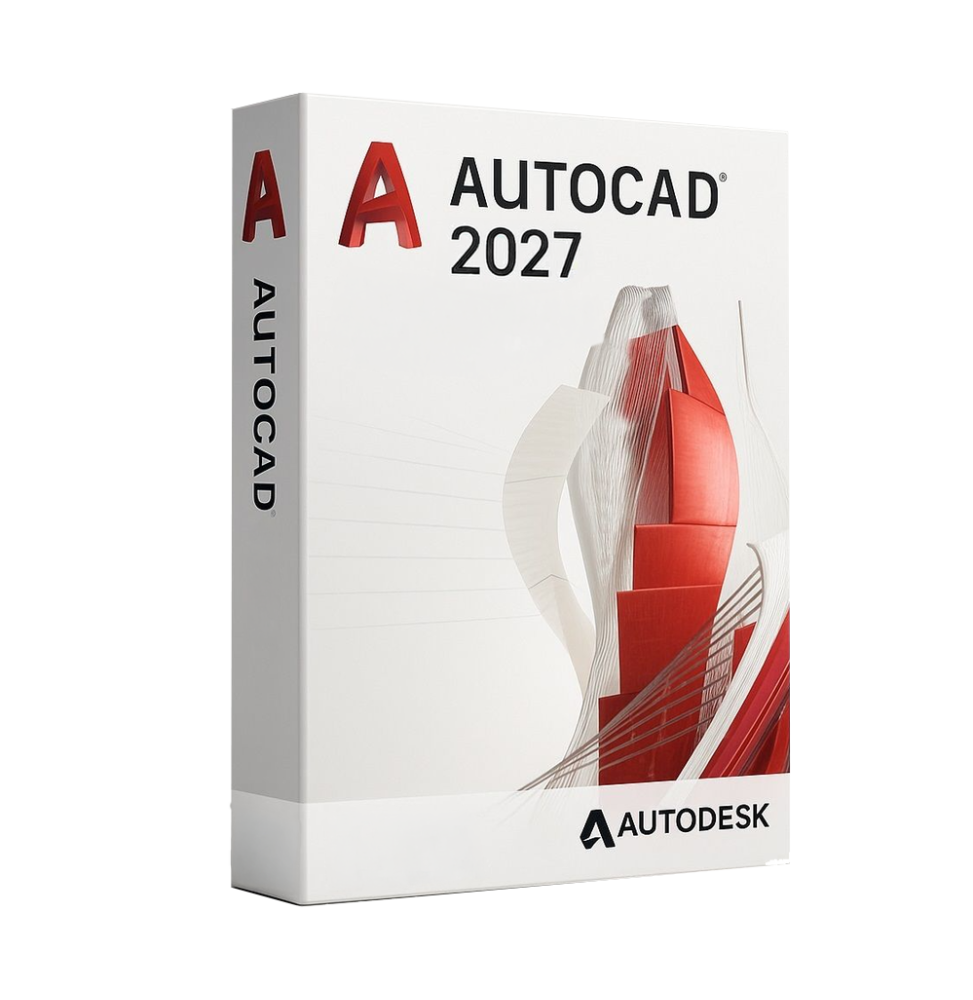
Autodesk AutoCAD 2027 represents the most recent evolution of the most widely used CAD software in the world for 2D and 3D technical design. Developed by Autodesk, it continues to be a global standard for architects, engineers, designers, and technical professionals, offering advanced tools for creating, editing, and managing drawings and models with absolute precision.
This version introduces improvements in performance, automation, and collaboration, integrating modern technologies and smart features to make workflow faster, more intuitive, and productive. AutoCAD has always been one of the main CAD software used at the industrial level for technical design and professional documentation.
Main Features
AutoCAD 2027 offers a complete environment for advanced technical design:
- Professional 2D Drawing: Precise tools for creating technical geometries, lines, polylines, curves, surfaces, and complex objects with millimetric control.
- Advanced 3D Modelling: Support for solid, surface, and mesh modeling, with tools for visualization, technical rendering, and three-dimensional editing.
- Precision and Reference Tools: Complete system of snaps, grids, coordinates, and geometric constraints to ensure maximum design accuracy.
- Annotations and Technical Documentation: Tools for inserting dimensions, texts, symbols, tables, and technical references to create complete and standard-compliant documentation.
- Dynamic Blocks and Intelligent Libraries: Ability to create reusable and parametric components to speed up work and standardize projects.
- Advanced Layer Management: Structured organization of drawing elements to improve readability and management of complex files.
- Automation and Customization: Support for scripts, APIs, and automations that allow you to adapt the software to specific needs and reduce repetitive operations.
- Smart Features and AI: Improvements in automation functions, object recognition, and workflow optimization, increasing productivity.
Included Tools and Specialized Toolsets
AutoCAD 2027 includes several sets of tools specific for professional sectors:
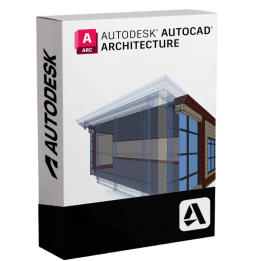
- Architecture Toolset for architectural design
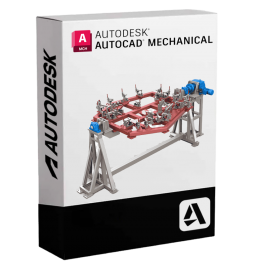
- Mechanical Toolset for mechanical design
- Electrical Toolset for electrical schematics
- Map 3D Toolset for geospatial data
- Plant 3D Toolset for industrial plants
These modules extend the software's functionalities, making it suitable for various technical and industrial fields.
Integration and Collaboration
AutoCAD 2027 is designed for modern and collaborative work environments:
- Access to projects via cloud and automatic synchronization
- Real-time collaboration among distributed teams
- Compatibility with web and mobile applications
- Integration with other Autodesk software and BIM workflows
- Access to files also from mobile devices and browsers
Modern versions include access to desktop, web, and mobile platforms to ensure operational continuity.
Operating Systems Compatibility
AutoCAD 2027 is compatible with:
- Windows 11 (64 bit)
- Windows 10 (64 bit)
- macOS in the most recent supported versions
- Web applications accessible from browsers
- Mobile apps for iOS and Android
Recommended Hardware Requirements
For optimal performance, an adequate configuration is recommended:
- Processor: minimum 2.5 GHz multi-core (recommended 3 GHz or higher)
- RAM: minimum 8–16 GB (recommended 32 GB for complex projects)
- Graphics card: dedicated GPU with at least 2 GB VRAM (recommended 8 GB, DirectX 12)
- Disk space: at least 10 GB (recommended SSD)
- Screen resolution: minimum 1920 x 1080 (support up to 4K)
- Pointing device: mouse with wheel or equivalent device
- Internet connection for activation, updates, and cloud services
What's Included
Autodesk AutoCAD 2027 includes:
- Complete tools for 2D drawing and 3D modeling
- Specialized toolsets for various technical sectors
- Advanced annotation and documentation system
- Layer management and project organization
- Automation and customization features
- Cloud integration and multiplatform access
- Support for DWG format and industrial standards
- Web and mobile applications for remote access
Who It's Suitable For
Autodesk AutoCAD 2027 is particularly suitable for:
- Architects and building designers
- Civil, mechanical, and electrical engineers
- Technical studios and design companies
- Industrial and manufacturing companies
- CAD designers and technical professionals
- Students and teachers in the engineering and architectural fields
Conclusion
Autodesk AutoCAD 2027 represents one of the most complete and advanced solutions for CAD design. Thanks to the combination of powerful tools, high precision, and integration with modern technologies, it allows for the efficient and professional development of complex projects.
It is an indispensable tool for those working in the technical field, offering all the necessary features to design, document, and collaborate on any type of project, maintaining high standards of quality and productivity.









 Whatsapp
 Immediate Digital Delivery