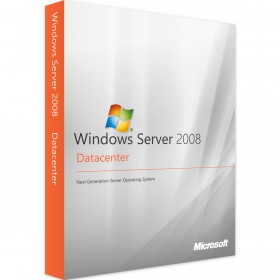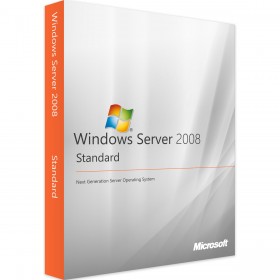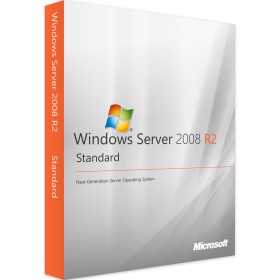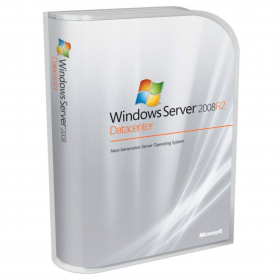



For digital format products, delivery takes place within 5 minutes of receiving payment, via email.
 Whatsapp
DISCOUNT -10% - use the code SUN10 valid without minimum order
 Immediate Digital Delivery
Original License
Satisfaction or Money Back Within 30 Days
Easy Activation
Installation Guide Included
24/7 Support, Including on WhatsApp
Reusable in Case of Formatting
Multilingual
Updates Included Where Applicable
A licence for Remote Desktop sessions. You also need a base Windows Server CAL and a compatible RD licence server.
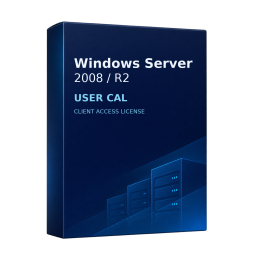
A User CAL covers one person accessing the server from multiple devices.
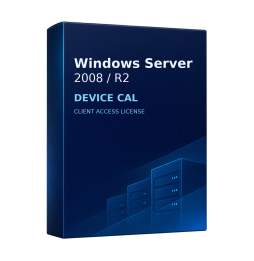
Check the versions of both the session host and the RD licence server. Install CALs in Remote Desktop Licensing Manager and set the deployment to Per User or Per Device. Microsoft documents Per Device licensing for workgroup deployments.
An earlier Windows Server CAL does not cover a newer server release. Access to earlier releases follows the rights of the CAL you purchase.
The RD licence server must support the version of the RDS CAL being installed. For example, a 2022 licence server cannot install 2025 RDS CALs.
On legacy deployments, check the support lifecycle and compatibility of the existing infrastructure as well as the applicable access rights.
The pack provides access rights. The server software and its licence are purchased separately unless a bundle expressly includes them.
User and Device licensing counts assigned people or devices, regardless of how many sessions are open at the same time.

Immediate Digital Delivery
Original License
Satisfaction or Money Back Within 30 Days
Easy Activation
Installation Guide Included
24/7 Support, Including on WhatsApp
Reusable in Case of Formatting
Multilingual
Updates Included Where Applicable