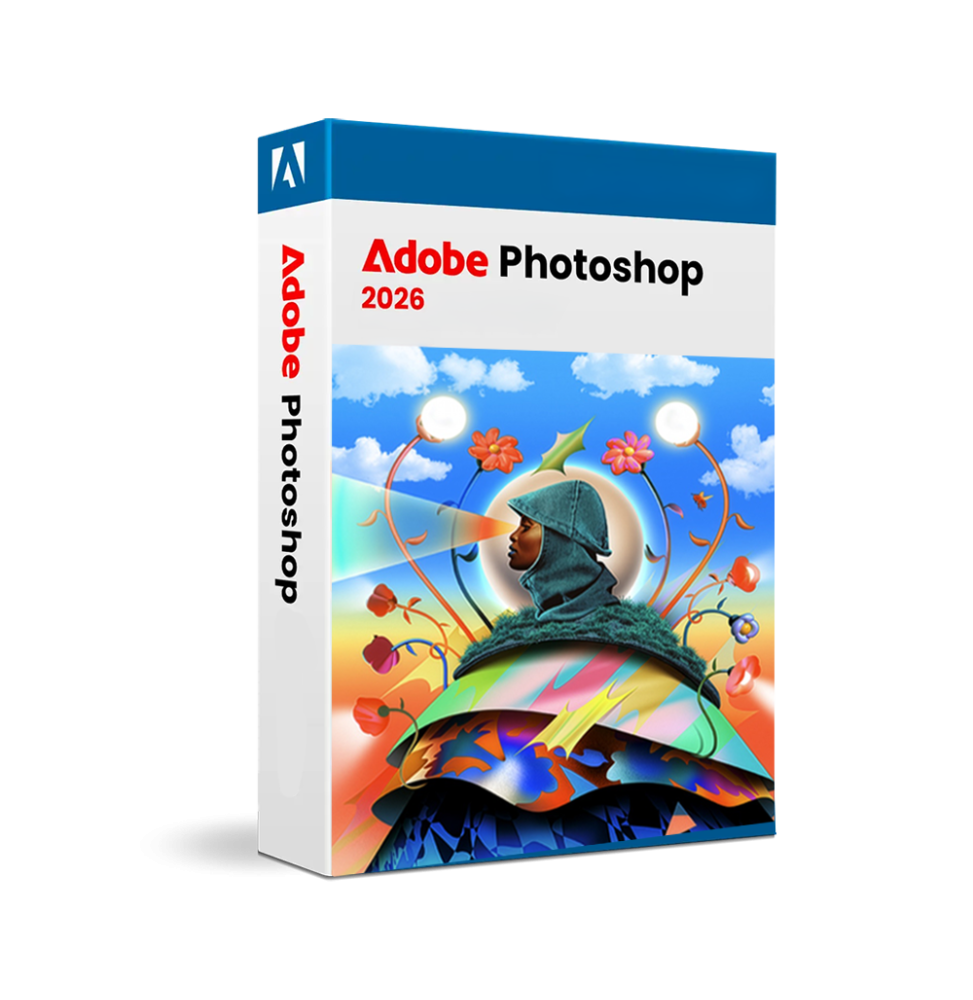

Adobe Photoshop 2026 is the global leading software for raster image editing, photo manipulation, and advanced digital graphics. Used by photographers, designers, digital artists, and visual communication professionals, it is the benchmark for creating, modifying, and composing high-quality images.
Thanks to a layer-based system, advanced tools, and integration with artificial intelligence technologies, Photoshop allows absolute precision work on every detail of the image, offering complete creative control at every stage of the process.
Main Features
Adobe Photoshop 2026 includes an extremely comprehensive set of professional tools for image processing:
- Advanced photo editing: Allows detailed modification of digital images with tools for adjusting exposure, contrast, colors, sharpness, and correcting imperfections.
- Layer-based system (Layer-based editing): Allows working on separate elements within the same project, maintaining flexibility and the possibility of non-destructive modification.
- Advanced masks and selections: Sophisticated tools to isolate parts of the image, create complex compositions, and apply targeted changes with precision.
- Professional retouching tools: Includes functions to remove defects, correct imperfections, eliminate unwanted objects, and improve the overall quality of images.
- Advanced graphics and compositing: Allows combining multiple images, creating realistic photomontages, and managing complex compositions with advanced effects.
- Support for digital drawing and painting: Wide range of customizable brushes for digital illustration, with support for graphic tablets and pressure sensitivity.
- Artificial Intelligence-based tools: Advanced features allow automatic content generation, intelligent removal of elements, and automatic image enhancement.
- Professional color management: Support for RGB, CMYK, and other color spaces, essential for printing and digital production.
- Support for video and multimedia content: Ability to work on video timelines, apply effects, and modify sequences directly within the software.
Integration with the Adobe ecosystem
Adobe Photoshop 2026 integrates seamlessly with other Adobe tools, enhancing workflow:
- Integration with Illustrator for vector graphics
- Compatibility with InDesign for layout
- Link with After Effects for video compositing
- Integration with Lightroom for photo management
- Synchronization via Creative Cloud
Operating system compatibility
Adobe Photoshop 2026 is compatible with major modern operating systems:
- Windows 10 and Windows 11 (64 bit)
- macOS in the latest supported versions
- Support for Intel, AMD, and Apple Silicon architectures
Recommended hardware requirements
To achieve optimal performance, an adequate configuration is recommended:
- Multi-core Intel or AMD processor (2 GHz or higher)
- Minimum 8 GB of RAM (16 GB or more recommended for complex projects)
- DirectX 12 compatible graphics card or equivalent, with at least 1.5–4 GB of VRAM
- SSD disk space with at least 20 GB free
- Minimum screen resolution 1280 x 800 (1920 x 1080 or higher recommended)
- Internet connection for activation, updates, and cloud services
What's included
Adobe Photoshop 2026 includes a complete environment for digital graphics:
- Advanced editor for raster images
- Layer system, masks, and compositing
- Retouching and photo correction tools
- Support for digital drawing and painting
- AI functionality for automation and image enhancement
- Professional color management
- Support for video content
- Integration with Adobe Creative Cloud
Who it's suitable for
Adobe Photoshop 2026 is particularly suitable for:
- Professional and advanced amateur photographers
- Graphic designers and digital creatives
- Digital artists and illustrators
- Communication and marketing agencies
- Content creators and social media managers
- Photographic and advertising production studios
Conclusion
Adobe Photoshop 2026 represents a complete and highly professional solution for creating and modifying visual content. Thanks to its power, flexibility, and precision, it allows tackling any creative project, from simple photo correction to advanced composition.
It is an indispensable tool for those working with digital images and wanting to achieve high-quality results, maintaining maximum control over every detail of the creative process.
AD65PH6_9
Specific References
EAN13
5328710122696
DIGITAL DELIVERY
All our products are delivered digitally via email. You will receive a product key, download file, and installation and activation instructions. Most products are delivered within 1-5 minutes. Some products need to be delivered manually and may take up to 1 hour to deliver.
You can also access the product you purchased through My Account:
- Go to "My Account" by clicking on the top right corner of the web page: "Hello, [your name]".
- Click "Orders".
- Find the correct order ID and press "SHOW" on the far right under the "ACTIONS" heading.
On the order page you will find the product key and download guide (some products only receive a download guide via email).
IF YOU CAN'T FIND YOUR PRODUCT KEY:
If your Product Key is not listed on the order page or order confirmation, it will be automatically sent to you within one hour of purchase (Monday to Saturday 9:00 am to 8:00 pm).
If you have not received your Product Key after two hours,
contact us.