
For digital format products, delivery takes place within 5 minutes of receiving payment, via email.
 Whatsapp
 Immediate Digital Delivery
Original License
Satisfaction or Money Back Within 30 Days
Easy Activation
Installation Guide Included
24/7 Support, Including on WhatsApp
Reusable in Case of Formatting
Multilingual
Updates Included Where Applicable
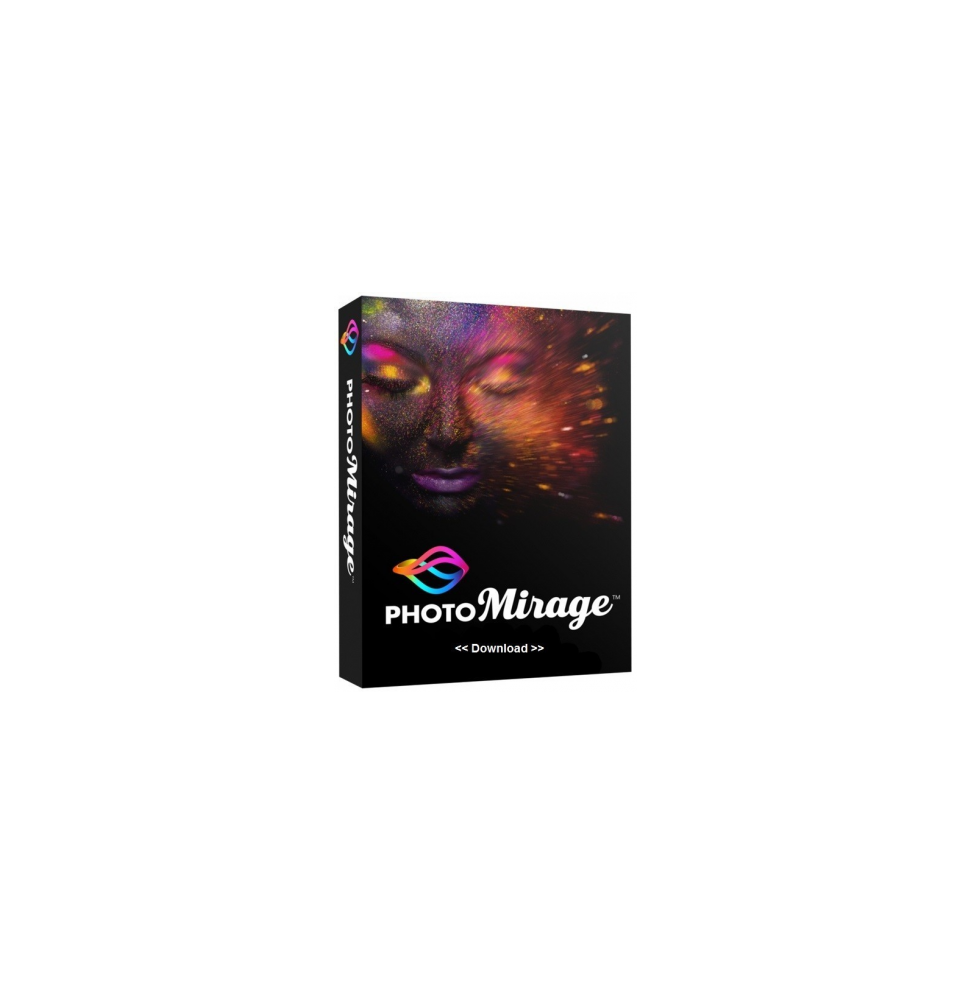
Animation tool – Create motion effects by simply dragging arrows on the selected areas of the image.
Masks and anchors – Lock parts of the image to keep elements static while others come to life.
Advanced speed control – Adjust the intensity and fluidity of the movement with extreme precision.
Flexible export – Save projects in various formats, including animated GIFs, MP4 and WMV videos, for maximum compatibility.
Intuitive interface – Simplified workflow in 3 steps (Select → Animate → Export).
Content libraries – Inclusion of samples, guides, and resources to quickly learn animation techniques.
Fast photo animations – Transform static photos into dynamic images in just a few minutes.
Creative tools – Movement points, anchors, and masks for total control.
Optimized export – Creation of files suitable for social networks, websites, advertising, or multimedia presentations.
Drag & drop interface – Simple use even for those without advanced graphic skills.
Compatibility with high-resolution images – Support for large photo files without loss of quality.
Windows 11 and Windows 10 (64 bit) – fully supported.
macOS – Corel PhotoMirage is not available in a native version for Mac. However, it can be used through virtualization with Parallels Desktop or VMware Fusion, installing Windows on macOS.
Operating System: Windows 11 or Windows 10 (64 bit).
Processor: Intel Core i3 or higher / AMD equivalent.
RAM: minimum 4 GB (8 GB recommended for more complex animations).
Disk Space: approximately 500 MB free.
Graphics Card: DirectX 9 or higher compatible.
Screen: minimum resolution 1366 x 768 (1920 x 1080 recommended).
Internet Connection: required for activation and updates.
Corel PhotoMirage is ideal for:
Content creators and social media managers who want to create dynamic and engaging posts.
Advertising agencies that need animated images for digital campaigns.
Photographers and artists who want to give new life to their shots.
Companies and trainers who create engaging multimedia presentations.
Home users who want to animate personal photos and share them on social media.

Immediate Digital Delivery
Original License
Satisfaction or Money Back Within 30 Days
Easy Activation
Installation Guide Included
24/7 Support, Including on WhatsApp
Reusable in Case of Formatting
Multilingual
Updates Included Where Applicable