 Whatsapp


- Online only
- New


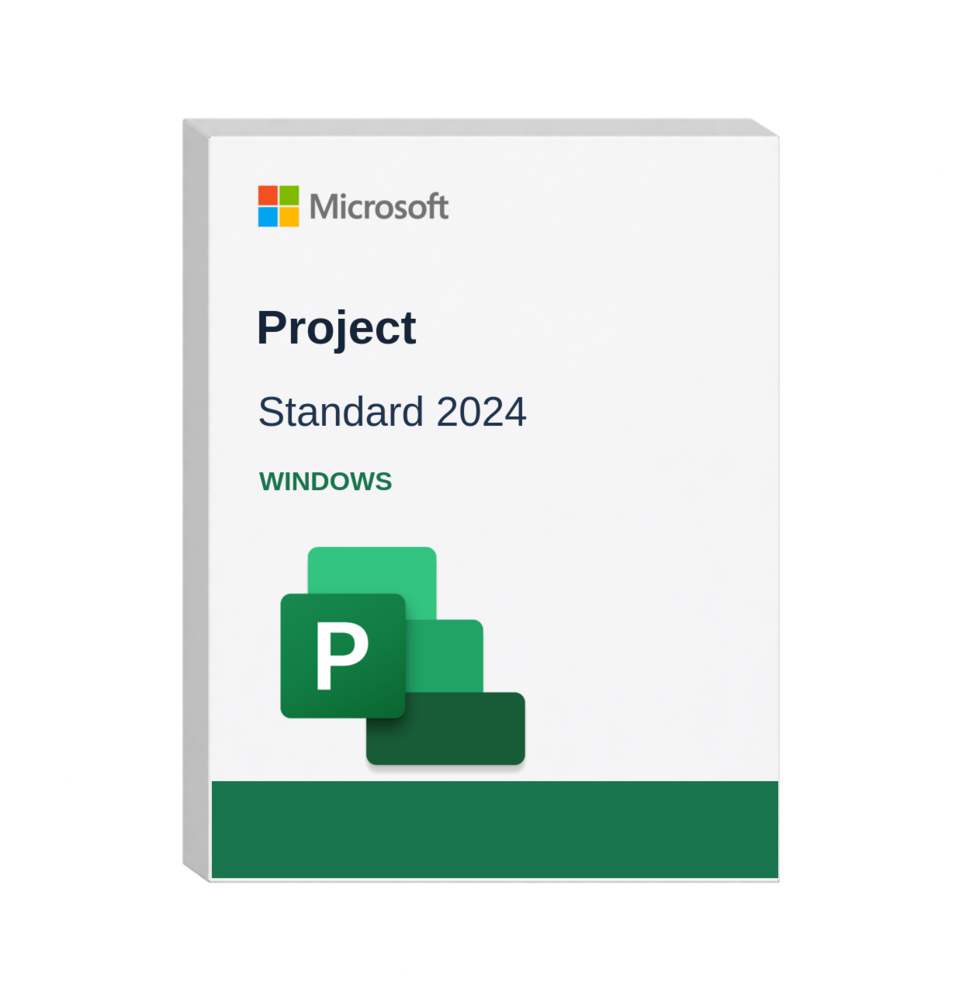
MICROSOFT PROJECT STANDARD 2024
 Immediate Digital Delivery
Original License
Satisfaction or Money Back Within 30 Days
Easy Activation
Installation Guide Included
24/7 Support, Including on WhatsApp
Reusable in Case of Formatting
Multilingual
Updates Included Where Applicable
Plan projects, dependencies and milestones with Gantt charts
Project Standard 2024 is the Windows desktop application for creating and maintaining schedules. It helps project leads organise tasks, durations and dependencies into structured plans that can be updated as work progresses.
What you can do
- Break the project into tasks and phases
- set dependencies, dates and milestones
- review the schedule in a Gantt chart
- prepare timelines and reports to communicate progress.
Edition and terms
Project Standard is aimed at desktop scheduling. Advanced resource sharing and online project services depend on Professional or a separate plan. Confirm file and version compatibility with collaborators.
Before activation
Outline activities, calendars and constraints before building the project. Check supported Windows and Office installation requirements before deployment.
Delivery
Digital delivery is handled manually after the order is checked. Keep the order confirmation and follow the instructions for your edition.
Frequently asked questions
Does Project Standard need a recurring Microsoft 365 plan?
Project Standard 2024 is a one-time desktop purchase. Planner and cloud project plans are separate.
Can I install it on macOS?
This desktop edition requires a supported Windows installation.

MS-PROJECT-STANDARD-2024
11 other products in the same category:










Immediate Digital Delivery
Original License
Satisfaction or Money Back Within 30 Days
Easy Activation
Installation Guide Included
24/7 Support, Including on WhatsApp
Reusable in Case of Formatting
Multilingual
Updates Included Where Applicable