 Whatsapp





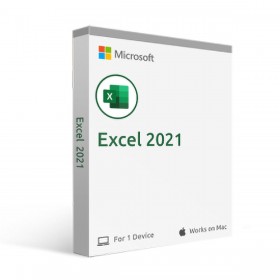
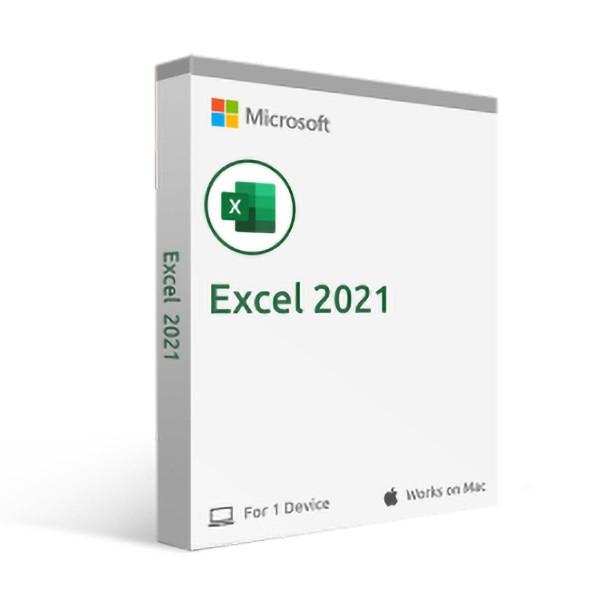
Microsoft Excel 2021 for Mac
 Immediate digital delivery
Original license
Satisfaction guaranteed or money back within 30 days
Easy activation
Guide included for installation
24/7 support, including on WhatsApp
Reusable in case of formatting
Multilingual
Updates included where applicable
MICROSOFT EXCEL 2021 (MAC)
Excel 2021 for Mac allows you to collaborate with others and easily analyze data with new Excel features, including dynamic arrays, XLOOKUP, and LET functions
Shared Creation
You and your colleagues can open the same Excel workbook and work on it together. This operation is called shared creation. When you create in shared mode, you can quickly view each other's changes, in a few seconds.
Improved collaboration with modern comments
You can send comments to co-authors and be productive thanks to a consistent comment creation experience in workbooks and other Office apps.
Sheet Views
Create custom views in an Excel worksheet without interrupting other users.
System requirements :
Processor: dual-core processor/recent macOS
Operating system: macOS Ventura (13), macOS Monterey (12), macOS Big Sur (11)
Memory: 4 GB of RAM for Mac
Hard disk space: 10 GB for Mac
Screen: 1280 x 800 for Mac
Graphics: For PC graphics hardware acceleration a DirectX 10 graphics card is required

Specific References
- EAN13
- 0659556774080
7 other products in the same category:
Immediate digital delivery
Original license
Satisfaction guaranteed or money back within 30 days
Easy activation
Guide included for installation
24/7 support, including on WhatsApp
Reusable in case of formatting
Multilingual
Updates included where applicable