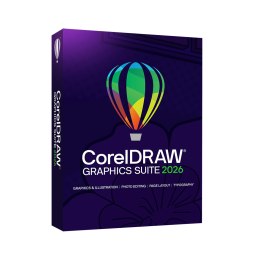

For digital format products, delivery takes place within 5 minutes of receiving payment, via email.
 Whatsapp
 Immediate Digital Delivery
Original License
Satisfaction or Money Back Within 30 Days
Easy Activation
Installation Guide Included
24/7 Support, Including on WhatsApp
Reusable in Case of Formatting
Multilingual
Updates Included Where Applicable
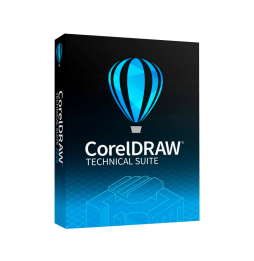
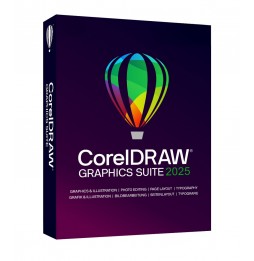
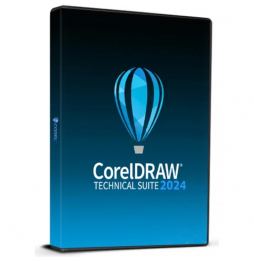
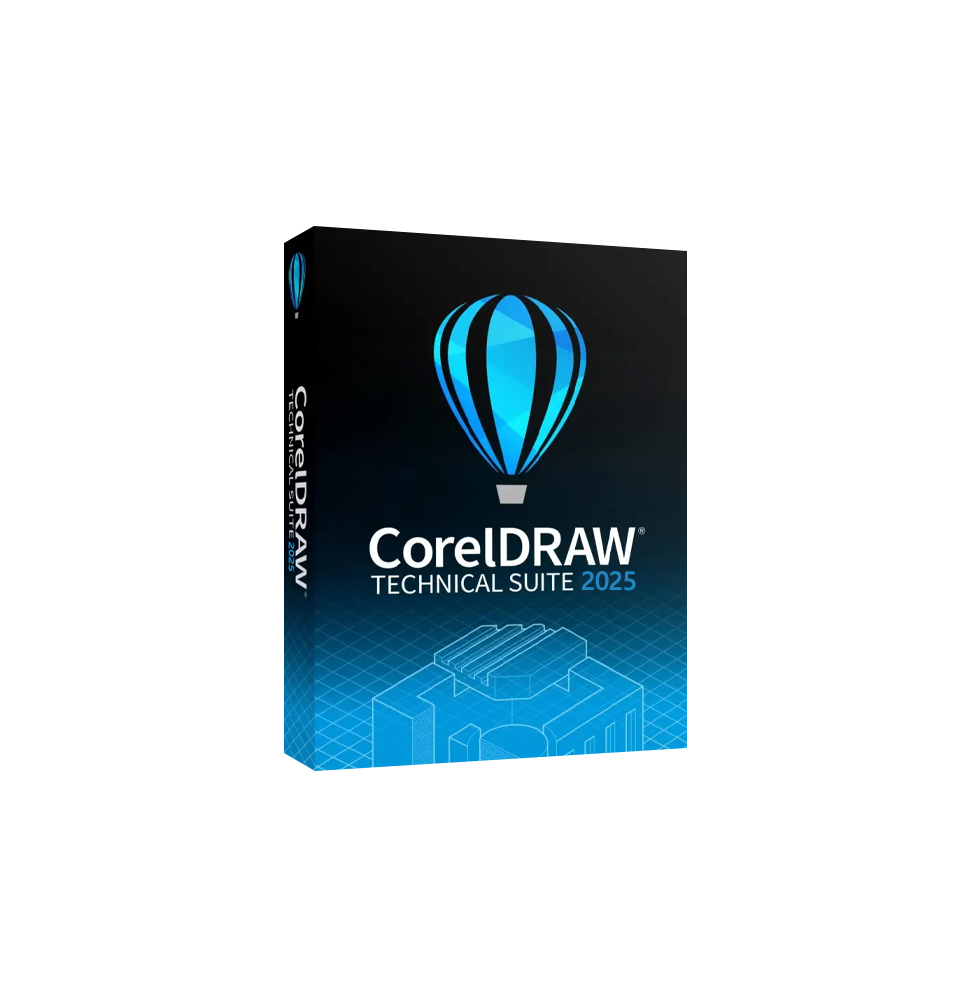
CorelDRAW Technical Suite 2025 is the complete software solution for technical graphics, precision illustration, and professional documentation. Designed for those working in the fields of engineering, manufacturing, architecture, and technical communication, this suite combines creative power and precision tools in a single integrated environment.
The 2025 version includes:
Corel DESIGNER – Main application for creating detailed technical illustrations, diagrams, and schematics.
CorelDRAW – Vector graphics and layout software for creative projects and visual communication.
Corel PHOTO-PAINT – Professional editor for processing and retouching raster images.
Corel Font Manager – Advanced font management, with organization and preview of characters.
CorelDRAW.app – Browser or mobile access to work remotely and share projects in real-time.
Corel AfterShot HDR – Tool for RAW editing and creating HDR photos.
XVL Studio Corel Edition – Software for viewing, editing, and publishing 3D models, with support for technical illustrations derived from CAD.
Content Libraries – Collection of templates, technical clipart, symbols, fills, and professional materials for technical documentation and manuals.
Precision technical illustration – Creation of complex drawings, exploded views and sectioned views with dedicated tools.
3D CAD support – Import and integration of 3D models, with the possibility of generating 2D illustrations from three-dimensional views.
Vector graphics and layout – Professional quality visual projects with CorelDRAW.
Photo editing – Image correction and application of advanced effects with Corel PHOTO-PAINT.
Extended compatibility – Support of industry-standard formats such as CGM, SVG, PDF, AI, EPS, DXF, DWG and many others.
Technical publishing – Preparation of documents compliant with industrial communication standards (including options for technical manuals and assembly instructions).
Advanced typography – Complete font management with OpenType support and precision tools.
Collaboration and sharing – Ability to work in teams, review and receive feedback directly in projects.
Windows 11 and Windows 10 (64 bit) – fully supported.
macOS – There is no native version for Mac. However, CorelDRAW Technical Suite 2025 can be run through virtualization with Parallels Desktop or VMware Fusion, by installing Windows on macOS.
Operating system: Windows 11 or 10 (64 bit, updated).
Processor: Intel Core i5 or higher / AMD Ryzen equivalent.
RAM: minimum 8 GB (16 GB recommended for complex CAD projects).
Graphics card: OpenCL 1.2 compatible GPU with at least 3 GB VRAM.
Disk space: 10 GB free (SSD recommended).
Screen: minimum resolution 1280 x 720 (1920 x 1080 or higher recommended).
Internet connection: required for activation and collaborative features.
CorelDRAW Technical Suite 2025 is perfect for professionals and companies operating in the following sectors:
Engineering and manufacturing – To create technical diagrams, exploded illustrations, and user manuals.
Architecture and construction – To process visual documentation and detailed projects.
Manufacturing industry – For clear and standardized communications of procedures and processes.
Aerospace, automotive and mechanical sector – For 2D/3D illustrations, maintenance instructions, and technical support.
Company technical offices – For internal documentation and publications of technical manuals.


Immediate Digital Delivery
Original License
Satisfaction or Money Back Within 30 Days
Easy Activation
Installation Guide Included
24/7 Support, Including on WhatsApp
Reusable in Case of Formatting
Multilingual
Updates Included Where Applicable