
For digital format products, delivery takes place within 5 minutes of receiving payment, via email.
 Whatsapp
 Immediate digital delivery
Original license
Satisfaction or refund within 30 days
Simple activation
Installation guide included
24/7 support, including on WhatsApp
Reusable in case of formatting
Multilingual
Updates included where provided
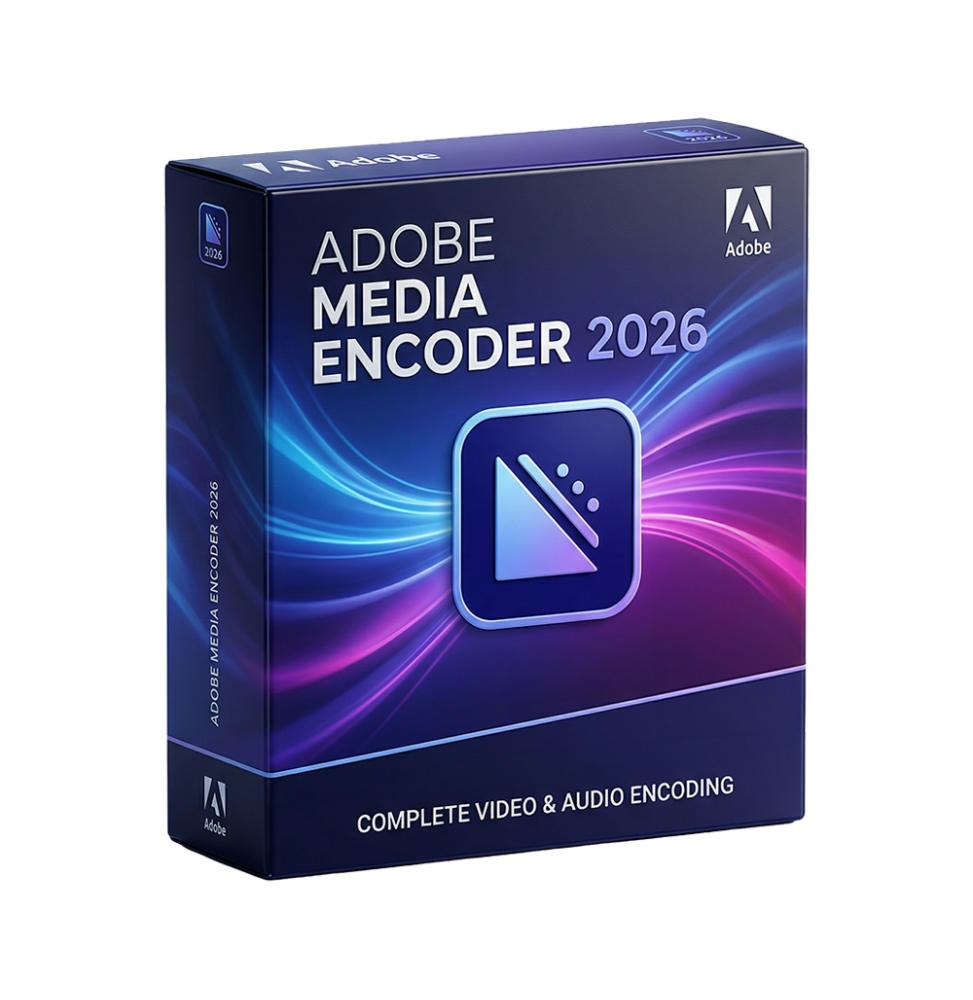
Adobe Media Encoder 2026 is a professional software dedicated to the encoding, transcoding, compression, and export of audio and video files in a wide range of formats. It's an essential tool within the Adobe workflow, designed to manage the processing of multimedia content efficiently, scalable, and automated, both for simple productions and high-volume professional pipelines.
Thanks to its ability to work in the background and manage complex rendering queues, Media Encoder allows optimizing production times, freeing up resources to continue working on other projects while files are being processed.
Main Features
Adobe Media Encoder 2026 offers a complete suite of tools for advanced media management:
Multi-format transcoding and conversion
Allows you to convert video and audio files into numerous industry-standard formats, adapting them to different platforms and devices.
Background rendering and encoding
Allows exporting content without interrupting work on other software, improving overall productivity.
Batch processing management
Supports the simultaneous processing of multiple files through a smart queue, with real-time monitoring of job status and progress.
Creation and use of custom presets
Ability to save export settings for reuse in future projects, ensuring consistency and operational speed.
Generation of proxies and workflow optimization
Allows the creation of low-resolution proxy files for faster editing, while maintaining high quality in the final rendering.
Support for high resolutions
Management of HD, 4K, 8K, and HDR content with advanced settings for bitrate, codec, and compression.
Effects and adjustments during export
Allows the application of color corrections, resizing, watermarks, and other effects directly during the encoding phase.
AI-based intelligent automation
Automatic analysis of multimedia content to improve indexing, search, and optimization of exported files.
Support for direct publishing
Direct export and upload to digital platforms and social media, simplifying content distribution.
Integration with the Adobe ecosystem
Adobe Media Encoder 2026 is tightly integrated with major Adobe applications:
Direct link with Premiere Pro for timeline export
Integration with After Effects for composition rendering
Compatibility with Audition for audio management
Seamless workflow through Dynamic Link without intermediate exports
Preset and setting synchronization via Creative Cloud
Operating system compatibility
Adobe Media Encoder 2026 is compatible with:
Windows 10 and Windows 11 (64 bit)
macOS Ventura and later versions
Support for Intel, AMD, and Apple Silicon architectures
Also support for Windows systems on ARM architecture in the latest versions
Recommended hardware requirements
To achieve optimal performance during video processing:
Multi-core Intel or AMD processor with AVX2 support
Minimum RAM of 8 GB (recommended 16 GB for HD and 32 GB or more for 4K)
Graphics card with at least 2 GB of VRAM (recommended 8 GB for advanced flows)
NVIDIA, AMD or Apple Silicon GPU support with hardware acceleration
Minimum disk space of about 8 GB, preferably on SSD
High-speed additional drives for multimedia files and cache
Minimum screen resolution 1024 x 768 (recommended 1920 x 1080 or higher)
Internet connection for activation, updates, and cloud services
What is included
Adobe Media Encoder 2026 includes a complete environment for media management:
Professional encoding and transcoding engine
Support for numerous audio and video formats
Advanced system for managing the rendering queue
Customizable export presets
Proxy creation tools
Application of effects during export
Complete integration with Adobe software
AI-based automation and optimization functions
Who it is suitable for
Adobe Media Encoder 2026 is particularly suitable for:
Video editors and content creators
Film and video production studios
Post-production professionals
Marketing and communication agencies
Content creators for digital platforms and social media
Companies managing complex video workflows
Conclusion
Adobe Media Encoder 2026 represents an essential tool for professional media content management. Thanks to its ability to automate encoding, manage rendering queues, and support a wide variety of formats, it optimizes workflows and significantly reduces production times.
It's the ideal solution for those working with video and audio at a professional level and need a reliable, scalable tool perfectly integrated with the Adobe creative ecosystem.

Immediate digital delivery
Original license
Satisfaction or refund within 30 days
Simple activation
Installation guide included
24/7 support, including on WhatsApp
Reusable in case of formatting
Multilingual
Updates included where provided