



For digital format products, delivery takes place within 5 minutes of receiving payment, via email.
 Whatsapp
 Immediate digital delivery
Original license
Satisfaction or refund within 30 days
Simple activation
Installation guide included
24/7 support, including on WhatsApp
Reusable in case of formatting
Multilingual
Updates included where provided
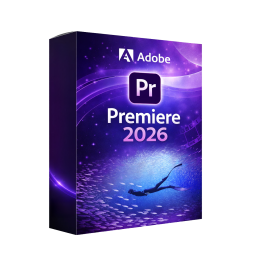
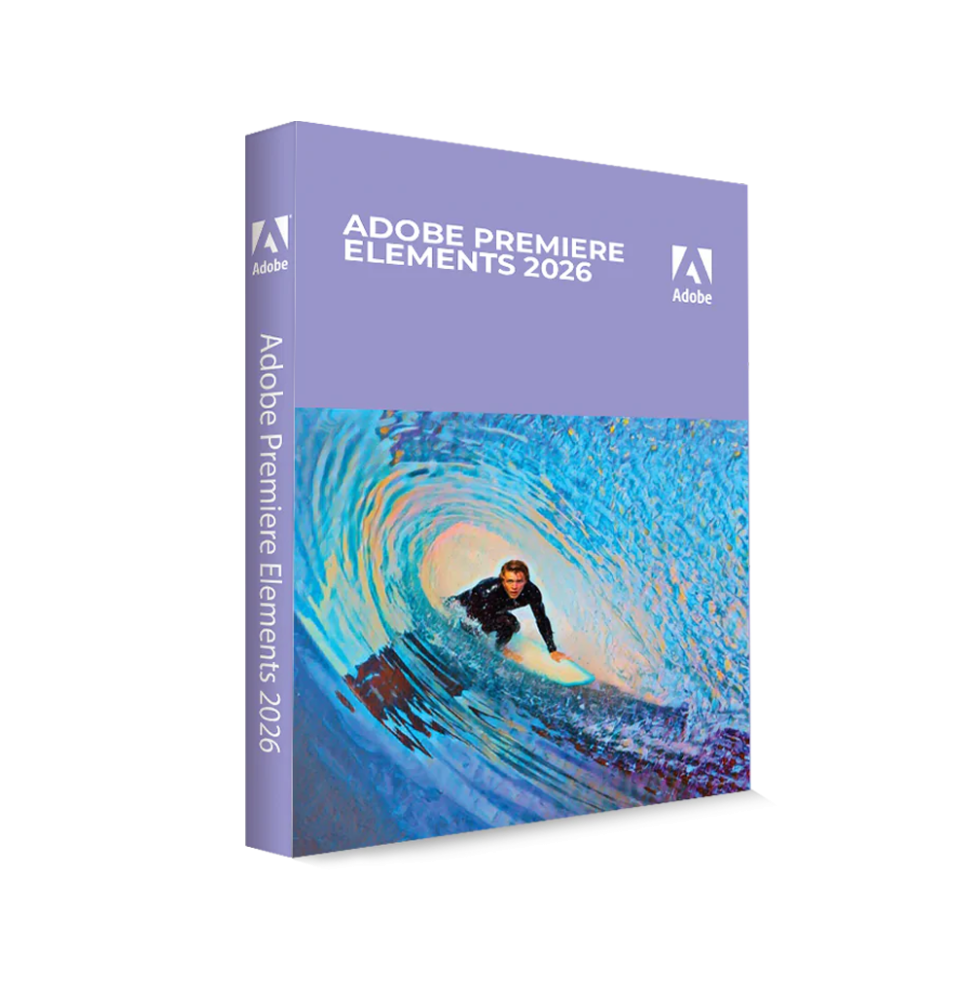
Adobe Premiere Elements 2026 is a video editing software designed to provide powerful tools in a simple and intuitive environment. Aimed at non-professional or semi-professional users, it allows for the creation of high-quality videos without requiring advanced editing skills. Thanks to the integration of artificial intelligence-based technologies and smart automation, it allows for professional results in less time.
The software represents a simplified version of professional video editing, maintaining the most useful and accessible features for the creation of content for social media, presentations, personal projects, and digital productions.
Main Features
Adobe Premiere Elements 2026 includes a wide range of tools for video creation and editing:
Simplified and intuitive video editing Allows you to work on a timeline with essential tools to cut, merge, organize, and quickly edit video clips.
Multiple working modes The software offers several modes to adapt to the user's level: Quick Mode for automatic edits, Guided Mode with step-by-step tutorials, and Advanced Mode for greater creative control.
Tools based on Artificial Intelligence Smart functions allow you to automate complex operations, such as clip cutting, music duration adjustment, and video format optimization.
Video effects and transitions A wide library of effects, filters, and transitions to enhance the visual look of videos and make them more dynamic.
Animated titles and graphics Ability to add text, motion titles, and graphic elements to personalize content.
Color correction and video enhancement Tools to adjust brightness, contrast, colors, and details, improving the overall quality of the footage.
Integrated audio management Includes tools to add music, sound effects, and enhance the audio of clips.
Automatic video creation Automatic functions allow to generate highlight reels, slideshows, and video montages from selected contents.
Support for advanced content Compatibility with high-definition video, 4K, and immersive content such as 360° video and VR.
Integration and content management Adobe Premiere Elements 2026 includes tools for managing multimedia files: automatic organization of videos and photos through intelligent tagging and recognition, import from local devices and cloud services, direct sharing on digital platforms and social media.
Operating system compatibility Adobe Premiere Elements 2026 is compatible with: Windows 11 (64 bit), macOS 14 and later versions, and support for Intel, AMD, and Apple Silicon processors.
Recommended hardware requirements For optimal performance during video editing: 8th generation Intel processor or equivalent AMD with AVX2 support, minimum 8 GB RAM (16 GB recommended for HD and 32 GB for 4K), graphics card with at least 4 GB of VRAM, minimum disk space of about 8–10 GB (SSD recommended), minimum screen resolution 1280 x 800 (Full HD recommended), additional storage unit for multimedia files and cache, Internet connection for activation, updates, and online services.
What's included Adobe Premiere Elements 2026 includes a complete environment for video editing: simplified timeline for video editing, guided and automated work modes, library of effects, transitions and animated titles, color correction and video enhancement tools, AI functions for automation and optimization, integrated audio management, support for HD, 4K, and 360° video, system for organizing and cataloging content.
Who it's suitable for Adobe Premiere Elements 2026 is particularly suitable for: beginners in video editing, content creators and social media users, families and home users, amateur videomakers, creatives who want quick results without technical complexity.
Conclusion Adobe Premiere Elements 2026 represents a complete and accessible solution for video editing, designed to simplify the creative process without sacrificing quality. Thanks to automated features and an intuitive interface, it allows you to create engaging videos quickly and effectively. It is the ideal choice for those who want to enter the world of video editing or improve their content without dealing with complex tools, offering a perfect balance between simplicity and power.




Immediate digital delivery
Original license
Satisfaction or refund within 30 days
Simple activation
Installation guide included
24/7 support, including on WhatsApp
Reusable in case of formatting
Multilingual
Updates included where provided