



For digital format products, delivery takes place within 5 minutes of receiving payment, via email.
 Whatsapp
 Immediate digital delivery
Original license
Satisfaction or refund within 30 days
Simple activation
Installation guide included
24/7 support, including on WhatsApp
Reusable in case of formatting
Multilingual
Updates included where provided
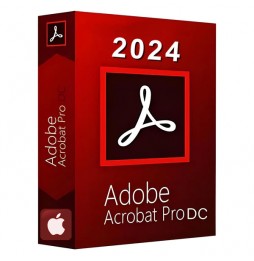
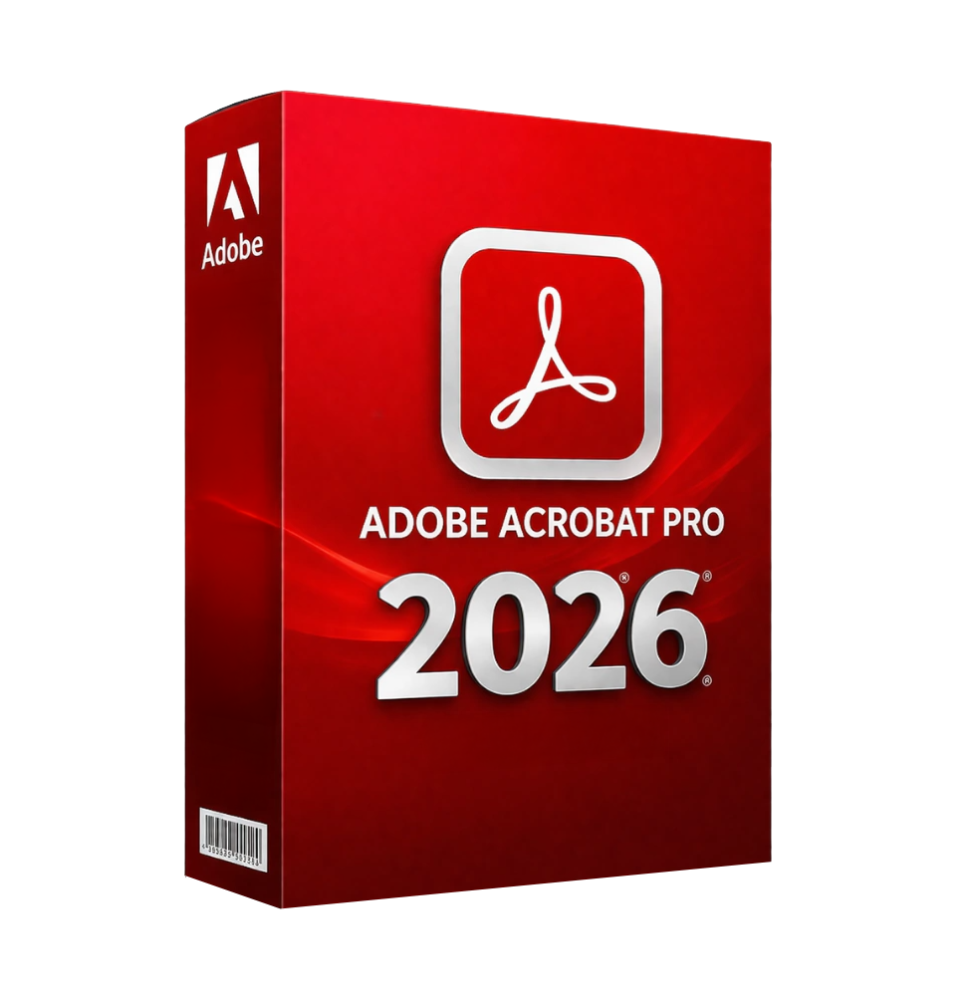
Adobe Acrobat Pro 2026 is a comprehensive professional software for managing, editing, creating, and protecting PDF documents. It sets the standard for businesses, professionals, and organizations that need advanced tools to work with digital documents in a secure, efficient, and modern standard-compliant manner.
The software allows you to transform any paper or digital document into an editable, signable, and shareable PDF, offering a centralized environment for the complete lifecycle management of documents.
Main features
Adobe Acrobat Pro 2026 integrates a wide range of advanced tools for professional PDF management:
PDF creation and conversion Allows you to create PDF files from any format (Word, Excel, images, web pages) and convert PDFs into editable documents while maintaining formatting and structure.
Advanced PDF editing Allows you to edit text, images, layouts, and content directly within the PDF, without the need to return to the original file.
OCR (Optical Character Recognition) Turns scanned documents or images into editable and searchable text, enhancing productivity and content management.
Digital signature and document management Includes tools for electronic and digital signatures, with approval and secure document sharing workflows.
Advanced protection and security Allows you to protect documents with passwords, encryption, access restrictions, and redaction tools for obscuring sensitive information.
Annotations and collaboration Tools for comments, highlights, notes, and reviews, facilitating collaborative work on shared documents.
PDF file management and organization Allows you to merge, split, reorder, and optimize PDF files, improving document organization.
Form filling and data collection Creation and management of digitally fillable interactive forms, with automatic information collection.
Document workflow automation Advanced functions to simplify business processes such as approvals, archiving, and document management.
Integration with the Adobe ecosystem
Adobe Acrobat Pro 2026 integrates with the Adobe environment and with business tools:
Compatibility with Microsoft Office for document creation and editing Integration with Adobe Document Cloud for synchronization and remote access Support for digital workflows and business systems Access via browser and mobile devices
Operating system compatibility
Adobe Acrobat Pro 2026 is compatible with major modern operating systems:
Windows 10 and Windows 11 (64 bit) Windows Server 2016, 2019, and 2022 (64 bit) macOS in the latest supported versions Support for Intel and Apple Silicon architectures
Adobe applications generally support the latest versions of operating systems to ensure security and stability.
Recommended hardware requirements
For smooth and professional use of the software:
Processor Intel or AMD from at least 1.5 GHz Minimum RAM of 2 GB (recommended 4 GB or more for intensive use) Minimum disk space of about 4.5 GB Minimum screen resolution 1024 x 768 Optional graphics acceleration to improve performance Internet connection for activation, updates, and cloud services
What is included
Adobe Acrobat Pro 2026 includes a complete environment for document management:
PDF creation, editing, and conversion tools OCR system for scanned documents Electronic and digital signature Advanced protection and file encryption Annotation and review tools Complete PDF file management (merging, splitting, compression) Creation and management of interactive forms Integration with cloud services and multiplatform access
Who is it suitable for
Adobe Acrobat Pro 2026 is particularly suitable for:
Businesses and professionals who manage digital documents Legal, administrative and consulting firms Offices that work with contracts, invoices, and official documentation Teams that require digital signatures and approval flows Students and teachers who work with advanced PDF documents
Conclusion
Adobe Acrobat Pro 2026 represents a complete and professional solution for managing PDF documents. Thanks to the combination of advanced tools, high security, and cloud integration, it allows you to digitize, edit, protect and share documents efficiently.
It is an indispensable tool for those who work daily with PDF files and need a reliable, versatile platform suitable for any professional or business context.




Immediate digital delivery
Original license
Satisfaction or refund within 30 days
Simple activation
Installation guide included
24/7 support, including on WhatsApp
Reusable in case of formatting
Multilingual
Updates included where provided