
For digital format products, delivery takes place within 5 minutes of receiving payment, via email.
 Whatsapp
DISCOUNT -10% - use the code CKEY10valid without minimum order
 Immediate digital delivery
Original license
Satisfaction or refund within 30 days
Simple activation
Installation guide included
24/7 support, including on WhatsApp
Reusable in case of formatting
Multilingual
Updates included where provided
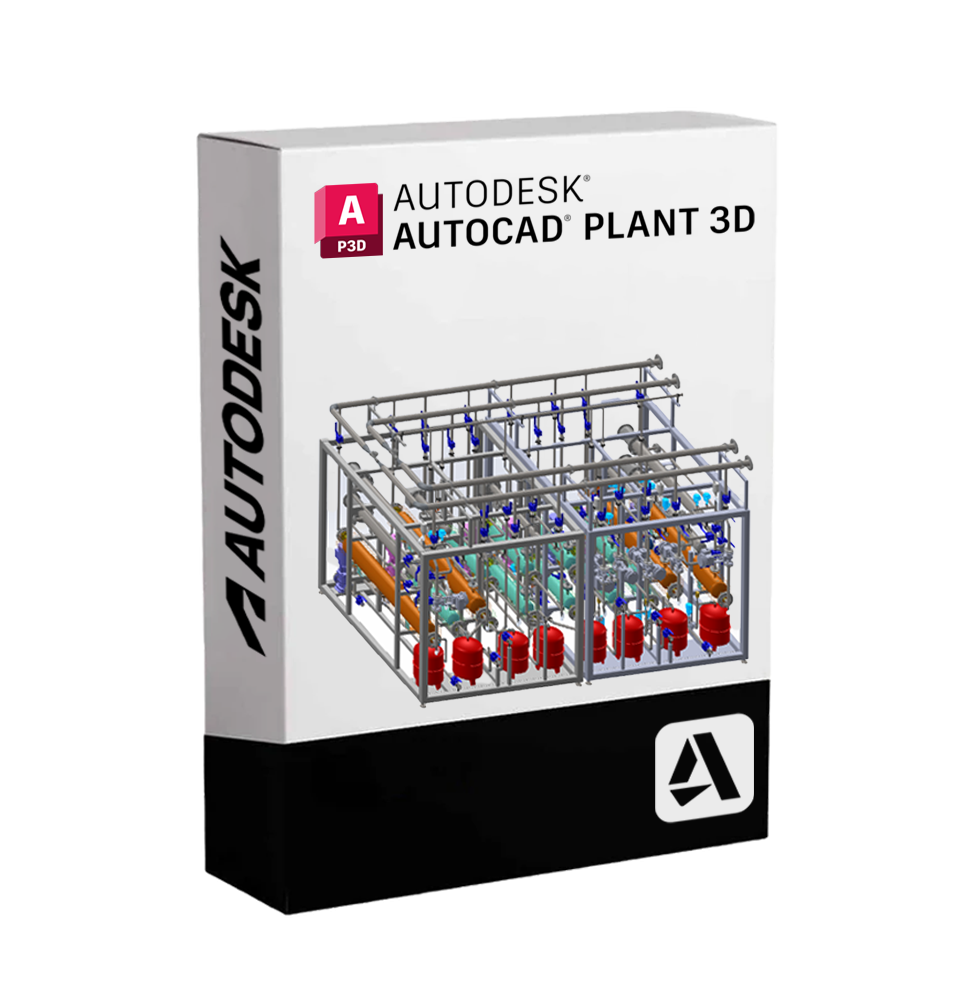
Autodesk AutoCAD Plant 3D is a professional solution dedicated to the design, modeling, and documentation of industrial plants. Based on the reliability and precision of AutoCAD, this software allows efficient development of 3D projects for piping plants, steel structures, equipment, and process systems, integrating intelligent tools for process and piping engineering.
🎯 Who is AutoCAD Plant 3D suitable for
This software is designed for engineers, designers, and draftsmen who work in the field of industrial plant engineering, such as:
• Petrochemical industries
• Pharmaceutical sector
• Food plants
• Water and waste treatment
• Chemical and energy sectors
Ideal for companies that want to centralize design in a single collaborative and highly productive environment.
🔧 Main features
✔ 3D plant modeling
Detailed development of three-dimensional models of piping, equipment, and steel structures. The system allows complete visual management of the project.
✔ Automatic creation of isometrics and orthogonals
Automatic generation of isometric drawings and orthogonal views directly from the 3D model, significantly reducing the production times of technical documentation.
✔ Standard component libraries
Includes a wide range of piping and instrumentation component libraries compliant with international standards (ANSI, ISO, DIN, etc.).
✔ Integrated P&ID (Piping and Instrumentation Diagram)
Ability to create and manage intelligent P&ID diagrams directly linked to the 3D model, ensuring consistency and traceability between diagrams and physical layout.
✔ Piping data and specification management
Each element is parametric and linked to a project database, allowing strict control of specifications and easy extraction of material lists (BOM).
✔ Multi-user collaboration
Supports simultaneous work on shared projects through Autodesk Docs or local servers, with revision tracking and version management.
✔ Integration with other Autodesk products
Compatible with AutoCAD, Revit, Navisworks, and Vault, for a fully integrated and industry standard compliant BIM workflow.
💻 System requirements
✅ Compatible operating systems
• Windows 11 / 10 – 64-bit version
(⚠ Not natively compatible with macOS – It is possible to run AutoCAD Plant 3D on Mac using virtualization solutions such as Parallels Desktop or VMware Fusion, installing Windows as the guest system.)
📌 Recommended minimum configuration:
• Processor: 2.5–2.9 GHz (recommended: 3.0 GHz or higher, multi-core)
• RAM: at least 8 GB (16 GB or more recommended for complex models)
• Graphics card: 1 GB GPU with DirectX 11 compatible (recommended: 4 GB or higher)
• Disk space: at least 10 GB for installation
• Screen resolution: 1920 x 1080 or higher recommended
• .NET Framework: Version 4.8 or higher
🌐 Available languages and localization
AutoCAD Plant 3D is available in numerous languages, including Italian, English, French, German, Spanish, Japanese, and Chinese, making it suitable for multinational teams and international projects.
🧩 What's included
• Full access to the integrated Plant 3D module in AutoCAD
• Intelligent P&ID tools
• Standard piping component libraries
• Creation and management of custom specifications
• Advanced cloud collaboration functions
• Support for layout and steel structures
• Data integration for simulations and checks
• Regular updates and improvements via Autodesk Account
📁 Operational benefits
✅ Optimizes design times and costs
✅ Reduces errors thanks to consistency between data and models
✅ Increases the quality of technical documentation
✅ Facilitates coordination between multidisciplinary teams
✅ Allows complete traceability of the project
AutoCAD Plant 3D is the ideal choice for those looking for a solid, scalable, and professional environment for the design of complex plants. Thanks to its integration with the Autodesk ecosystem, it offers a unique synergy between 3D modeling, engineering data, and real-time collaboration.

Immediate digital delivery
Original license
Satisfaction or refund within 30 days
Simple activation
Installation guide included
24/7 support, including on WhatsApp
Reusable in case of formatting
Multilingual
Updates included where provided