
For digital format products, delivery takes place within 5 minutes of receiving payment, via email.
 Whatsapp
 Immediate digital delivery
Original license
Satisfaction or refund within 30 days
Simple activation
Installation guide included
24/7 support, including on WhatsApp
Reusable in case of formatting
Multilingual
Updates included where provided
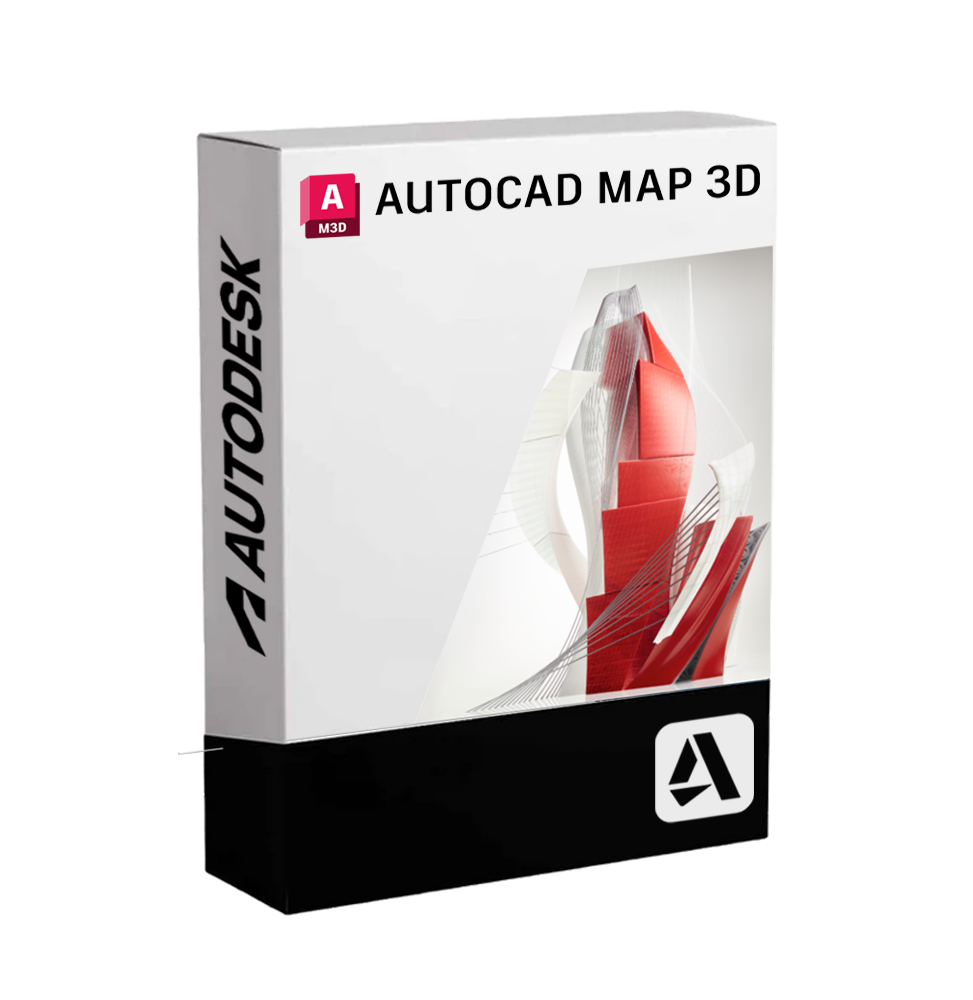
Autodesk AutoCAD Map 3D is a powerful software solution that integrates advanced GIS (Geographic Information System) functionalities with the precision of CAD drawing. It's designed to provide comprehensive mapping, modeling, territorial analysis, and infrastructure management tools, combining spatial data and engineering information on a single platform. This software allows you to work directly with geographical and topographical data, improving the accuracy of planning, design, and management of territorial resources.
AutoCAD Map 3D is particularly suitable for professionals working in the fields of civil engineering, technological network management, public administration, urban planning, and public utility companies.
🌍 Main features included
• Integration between GIS and CAD
It allows you to import, edit and analyze geographical data from GIS systems and spatial databases directly within the AutoCAD environment. It supports formats such as ESRI SHP, Oracle Spatial, PostgreSQL/PostGIS, WFS, WMS, and other OGC standards.
• 📌 Geolocation and coordinate projections
It is possible to georeference CAD drawings on real coordinate systems, set custom geographic projections, and overlay data from different spatial sources.
• 🧩 Infrastructure and technological network modeling
AutoCAD Map 3D allows the design and management of complex networks (water supply, sewage, electricity, gas, telecommunications), with tracking, simulation, topological analysis, and management of connections between components.
• 🗺 Thematic cartography and advanced symbology
Dedicated tools to create custom thematic maps based on alphanumeric data, define symbologies, display styles, and dynamically theme spatial information.
• 📊 Geospatial analysis
Includes tools to analyze territories, calculate areas, distances, buffers, detect overlaps, generate altimetric profiles, and identify critical or areas of interest.
• 🔄 Connection to database and real-time updates
The ability to connect directly to spatial databases to modify, query and update territorial data without conversions or exports, maintaining a consistent data flow.
• 📑 Automatic creation of reports and cartographic outputs
Quickly generate tables, print layouts, and analytical reports based on the data contained in the models, useful for decision-making, urban planning, or engineering purposes.
💻 Compatibility and operating systems
AutoCAD Map 3D is available exclusively for Windows operating systems. There is no native version for macOS, however, it is possible to use the software on Mac through virtualization with tools like Parallels Desktop, VMware Fusion or through Boot Camp (for systems with Intel processors).
⚙️ Recommended hardware requirements
To ensure a smooth and responsive experience, especially when processing large geospatial datasets, a high-end configuration is recommended:
• Operating System: Windows 10 or 11 (64 bit)
• Processor: Multi-core at least 3.0 GHz (recommended Intel Core i7 or AMD Ryzen 7)
• RAM: Minimum 16 GB (32 GB recommended)
• Graphics card: Compatible with DirectX 12, at least 4 GB of VRAM (preferable professional GPU type NVIDIA Quadro)
• Disk space: At least 10 GB available for installation
• Screen resolution: 1920x1080 or higher
👨💼 Who is AutoCAD Map 3D suitable for
• Urban planners and territorial planners
Ideal for those who manage complex territorial data, model urban scenarios and support the planning of new settlements and infrastructures.
• Civil and environmental engineers
Useful in the design of public works, technological networks and environmental impact studies, thanks to the integrated geospatial analysis functions.
• 🏢 Public utility companies and network managers
Perfect for managing water, electricity, gas or telecommunications distribution networks, with tools for mapping, monitoring and network analysis.
• Public bodies and local administrations
AutoCAD Map 3D allows you to view, analyze and document territorial data effectively, favoring urban and infrastructural decisions based on precise and georeferenced data.
🧭 Conclusion
AutoCAD Map 3D represents the perfect match between the power of technical CAD drawing and the versatility of GIS systems. It allows you to professionally and precisely tackle all challenges related to the management of territory, networks and infrastructures. With its advanced tools for analysis and spatial modeling, it is the reference tool for professionals working in the field of geoinformatics, civil engineering and territorial planning.

Immediate digital delivery
Original license
Satisfaction or refund within 30 days
Simple activation
Installation guide included
24/7 support, including on WhatsApp
Reusable in case of formatting
Multilingual
Updates included where provided