
For digital format products, delivery takes place within 5 minutes of receiving payment, via email.
 Whatsapp
 Immediate digital delivery
Original license
Satisfaction or refund within 30 days
Simple activation
Installation guide included
24/7 support, including on WhatsApp
Reusable in case of formatting
Multilingual
Updates included where provided
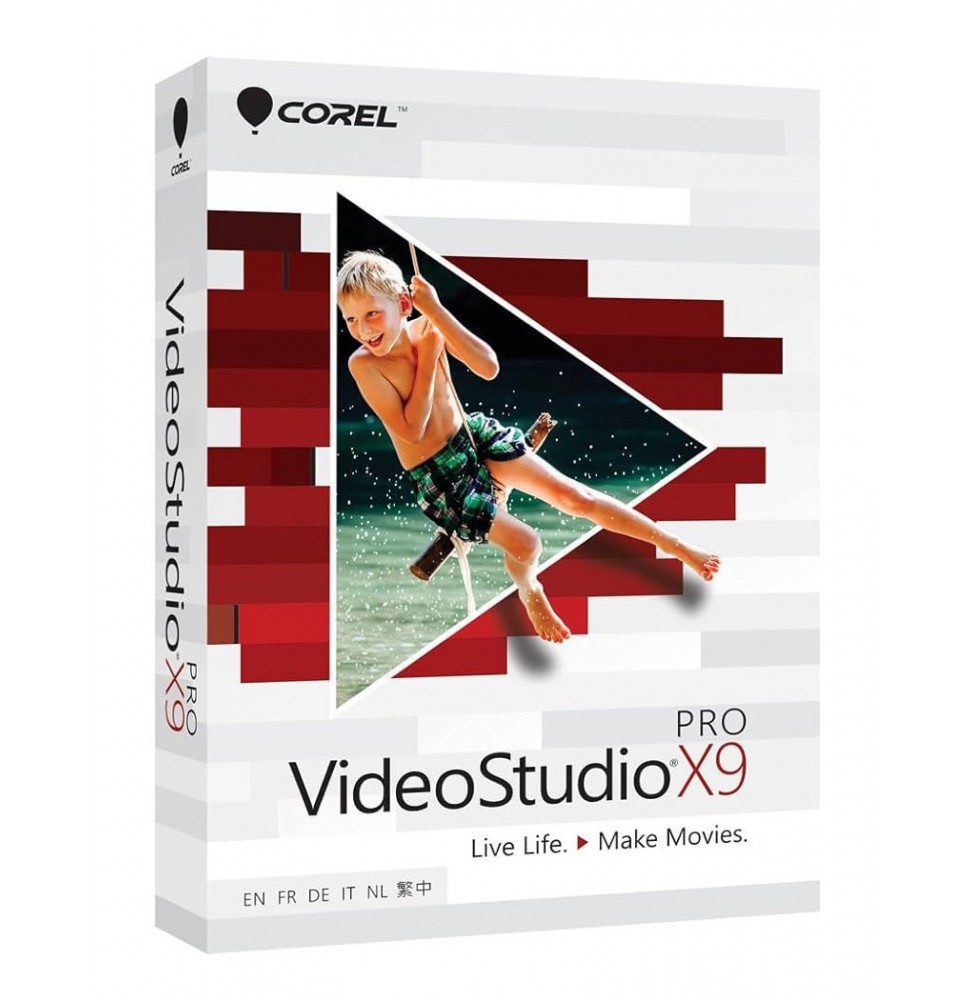
Corel VideoStudio Pro X9 is a video editing and production software designed to offer professional tools with an intuitive interface, accessible even to less experienced users. With this suite, it is possible to create engaging videos, multimedia presentations, promotional films, and social media content quickly and creatively.
Complete video editor – Multitrack timeline with support for video, audio, and effects.
Wide library of effects – Transitions, titles, filters, and graphic overlays.
Audio tools – Volume control, noise removal, and multitrack mixing.
Advanced title editor – Creation of animated texts, subtitles, and overlay graphics.
Screen recording – Integrated function to capture desktop activity, useful for tutorials and presentations.
Templates and preset models – To speed up content creation.
DVD/Blu-ray tools – Creation of customized menus and direct burning.
HD and 4K video editing – Support for high-resolution films.
Motion Tracking – Follow moving objects to insert texts or effects that accompany them.
Stop Motion Animation – Dedicated tools for creating frame-by-frame animations.
Time-lapse and slow motion – Advanced control of playback speed.
Chroma Key (green screen) – Background replacement for special effects and creative editing.
Format compatibility – Support for major video, audio and image formats (AVI, MP4, MOV, MPEG, WMV, MP3, WAV, JPG, PNG).
Fast rendering – Optimized engine for exporting projects in reduced time.
Windows 10 and Windows 11 (64 bit) – fully supported.
macOS – There is no native version. However, it is possible to run VideoStudio Pro X9 on Mac through Parallels Desktop or VMware Fusion, by installing Windows on macOS.
Operating system: Windows 10/11 (64 bit).
Processor: Intel Core i3 or higher / AMD equivalent (i5/i7 recommended for 4K editing).
RAM: minimum 4 GB (8 GB or more recommended).
Graphics card: compatible with DirectX 9/10/11 with at least 1 GB VRAM.
Disk space: at least 4 GB free (SSD recommended).
Screen: minimum resolution 1024 x 768 (1920 x 1080 recommended).
Optical drive (optional): for DVD/Blu-ray burning.
Internet connection: required for activation and updates.
Corel VideoStudio Pro X9 is perfect for:
Beginner and intermediate videomakers who want an intuitive but complete software.
Businesses and marketers who create promotional and advertising video content.
Content creators and YouTubers who are looking for quick tools to produce quality videos.
Teachers and trainers who create multimedia presentations and educational videos.
Editing enthusiasts who want a practical alternative to more complex software.

Immediate digital delivery
Original license
Satisfaction or refund within 30 days
Simple activation
Installation guide included
24/7 support, including on WhatsApp
Reusable in case of formatting
Multilingual
Updates included where provided