
- Online only
- New



For digital format products, delivery takes place within 5 minutes of receiving payment, via email.
 Whatsapp
DISCOUNT -10% - use the code SAT10 valid without minimum order
 Immediate digital delivery
Original license
Satisfaction or refund within 30 days
Simple activation
Installation guide included
24/7 support, including on WhatsApp
Reusable in case of formatting
Multilingual
Updates included where provided
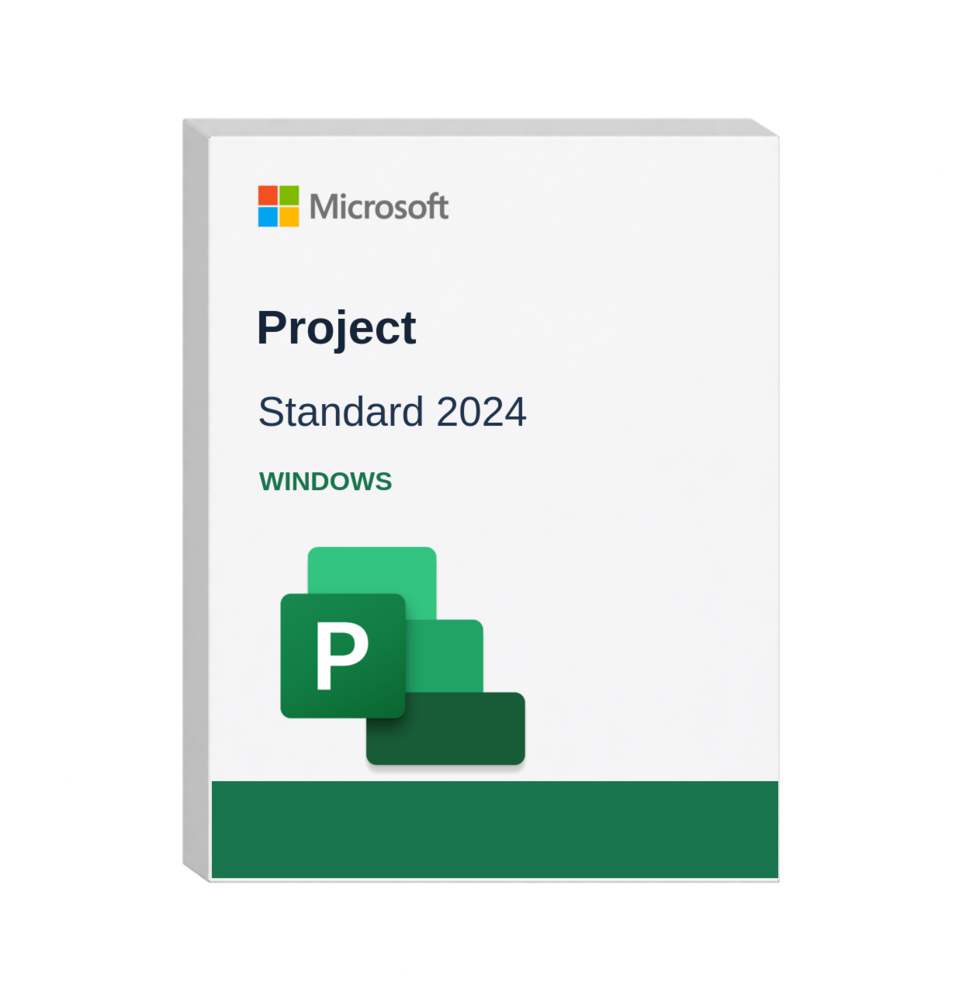
Project Standard 2024 is the Windows desktop application for creating and maintaining schedules. It helps project leads organize tasks, durations and dependencies into structured plans that can be updated as work progresses.
Useful for project managers, operations staff and planners who maintain a schedule themselves and report milestones to colleagues or clients.
The Windows desktop edition works with Project plans in MPP format. It supports task links, milestones, calendars and a Gantt view. Check the team's software versions before exchanging editable files.
Project Standard is aimed at desktop scheduling. Advanced resource sharing and online project services depend on Professional or a separate plan. Confirm file and version compatibility with collaborators.
Outline activities, calendars and constraints before building the project. Check supported Windows and Office installation requirements before deployment.
Digital delivery is handled manually after the order is checked. Keep the order confirmation and follow the instructions for your edition.
Project Standard 2024 is a one-time desktop purchase. Planner and cloud project plans are separate.
This desktop edition requires a supported Windows installation.


La procedura di invio e ricezione della merce è stato molto efficace
La mia esperienza è assolutamente positiva. Ho riscontrato un piccolo problema, subito verificato e risolto dall'assistenza, che ho trovato veloce e puntuale. Hanno risposto immediatamente e con gentilezza e professionalità.
a causa di problemi con il mio pc avevo incontrato qualche problema per installazione. ho quindi messaggiato con wapp prima e parlato poi con assistenza che si è dimostrata molto disponibile e mi ha aiutato a risolvere tutto. grazie
Tutto perfetto. Dall'acquisto all'installazione del software. Grazie mlle
Tutto ok
Ottimo
scaricato ed installato tutto ok
Ottima assistenza tecnica!
Facile l’acquisto e le istruzioni sono a prova di bambino. Consigliatissimo!!!
Immediate digital delivery
Original license
Satisfaction or refund within 30 days
Simple activation
Installation guide included
24/7 support, including on WhatsApp
Reusable in case of formatting
Multilingual
Updates included where provided