




For digital format products, delivery takes place within 5 minutes of receiving payment, via email.
 Whatsapp
 Immediate digital delivery
Original license
Satisfaction or refund within 30 days
Simple activation
Installation guide included
24/7 support, including on WhatsApp
Reusable in case of formatting
Multilingual
Updates included where provided
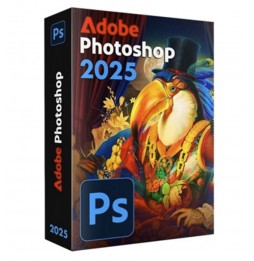
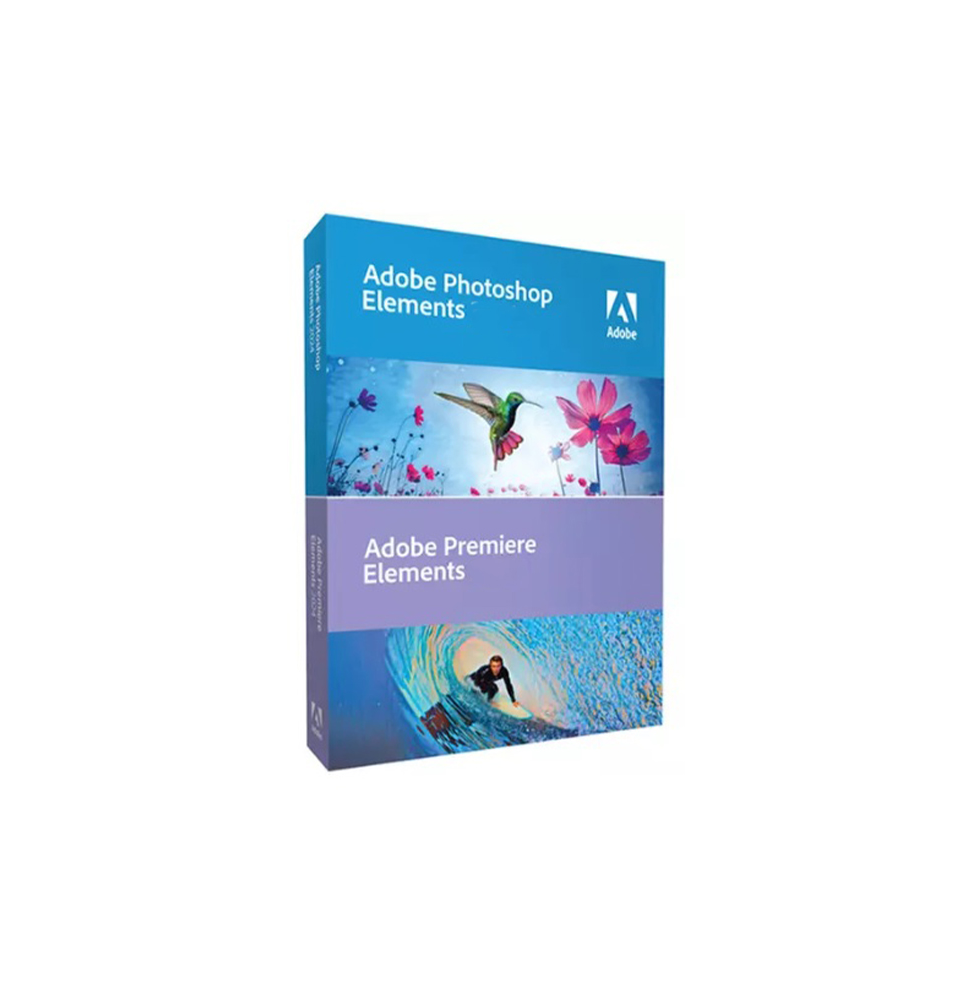
Adobe Photoshop Elements 2025 – Photographic Creativity for Everyone
Adobe Photoshop Elements 2025 is the ideal solution for those wishing to edit, organize, and share their photos with smart and accessible tools. Perfect for photography enthusiasts, digital creatives, and families, Photoshop Elements combines powerful editing features with an intuitive, step-by-step interface.
???? Perfect for transforming every shot into a work of art
Thanks to Adobe Sensei technology, the artificial intelligence integrated into the software, you can achieve amazing results even without professional experience.
????️ Main Features Included in Photoshop Elements 2025
✔️ Step-by-step guided edits
More than 60 guided edits help you achieve creative and professional results: background replacement, artistic effects, double exposure, automatic coloring, retouching, and much more.
✔️ Intelligent automatic correction
Automatic adjustment of exposure, colors, contrast, and sharpness in a single click, with the possibility of manual refinement.
✔️ One-click automatic selection
Locates and automatically selects subjects and objects within a photo - useful for cutting out, replacing backgrounds, or creating advanced effects ✂️
✔️ Removal of unwanted elements
Removes objects or people from photos smoothly, automatically reconstructing the background for natural results.
✔️ Creation of collages and animated presentations
Combine multiple photos into appealing compositions or create short videos/slideshows to share.
✔️ Artistic effects and smart filters
Apply painterly styles, watercolor, pop art, sketch, and many others, inspired by art and modern visual trends.
✔️ Automatic photo organization
Smart grouping based on faces, places, dates, and events. Intelligent search by keywords, subjects, or dominant colors.
✔️ Creation and printing of content
Cards, invitations, calendars, photobooks, and graphics to print directly from the software ????️
???? Integrated Adobe Sensei AI Technology
Photoshop Elements uses machine learning to facilitate complex tasks such as:
• Automatic face retouching (smile, open eyes, skin smoothing) • Coloring black and white photos ???? • Blurry effect removal • Automatic enhancement of sky and landscapes
????️ Compatibility and Technical Requirements
???? Supported Operating Systems:
• Windows 10 and Windows 11 (64 bit) • macOS 12.0 (Monterey) or later versions
⚠️ The software is not natively compatible with Linux systems. However, it can run on Linux and unsupported macOS through virtualization tools like Parallels Desktop, VMware Fusion, or similar solutions.
???? Internet connection required for:
• Software activation • Downloading updates • Accessing online features (such as Adobe Stock or cloud services)
???? Type of installation:
Local installation via executable file or physical media (DVD/USB in boxed kits)
???? Recommended Hardware Requirements:
• CPU: Intel 6th gen or higher, AMD Ryzen, or Apple Silicon (with Rosetta 2) • RAM: 8 GB (12 GB recommended for more intensive workflows) • Disk Space: At least 10 GB free for installation • GPU: Graphics card with at least 1 GB VRAM, compatible with DirectX 12 or Metal • Display: Recommended resolution 1920×1080 or higher
???? Who is Adobe Photoshop Elements 2025 suitable for?
• Amateur photographers and hobbyists who want to enhance their shots without learning complex software • Families and students who want to create collages, printable memories, and content for digital albums • Freelance creatives and social creators looking for a smart but lightweight editor • Seniors or beginners who want a powerful but easy-to-use tool with integrated tutorials • Educators and educational institutions who want to introduce students to photo editing
✨ Photographic creativity accessible to everyone
Adobe Photoshop Elements 2025 makes image editing accessible and fun. With the perfect balance between automation and manual control, it's the ideal companion to bring your memories to life, enrich them, and share them with the world.



Immediate digital delivery
Original license
Satisfaction or refund within 30 days
Simple activation
Installation guide included
24/7 support, including on WhatsApp
Reusable in case of formatting
Multilingual
Updates included where provided