




For digital format products, delivery takes place within 5 minutes of receiving payment, via email.
 Whatsapp
 Immediate digital delivery
Original license
Satisfaction or refund within 30 days
Simple activation
Installation guide included
24/7 support, including on WhatsApp
Reusable in case of formatting
Multilingual
Updates included where provided
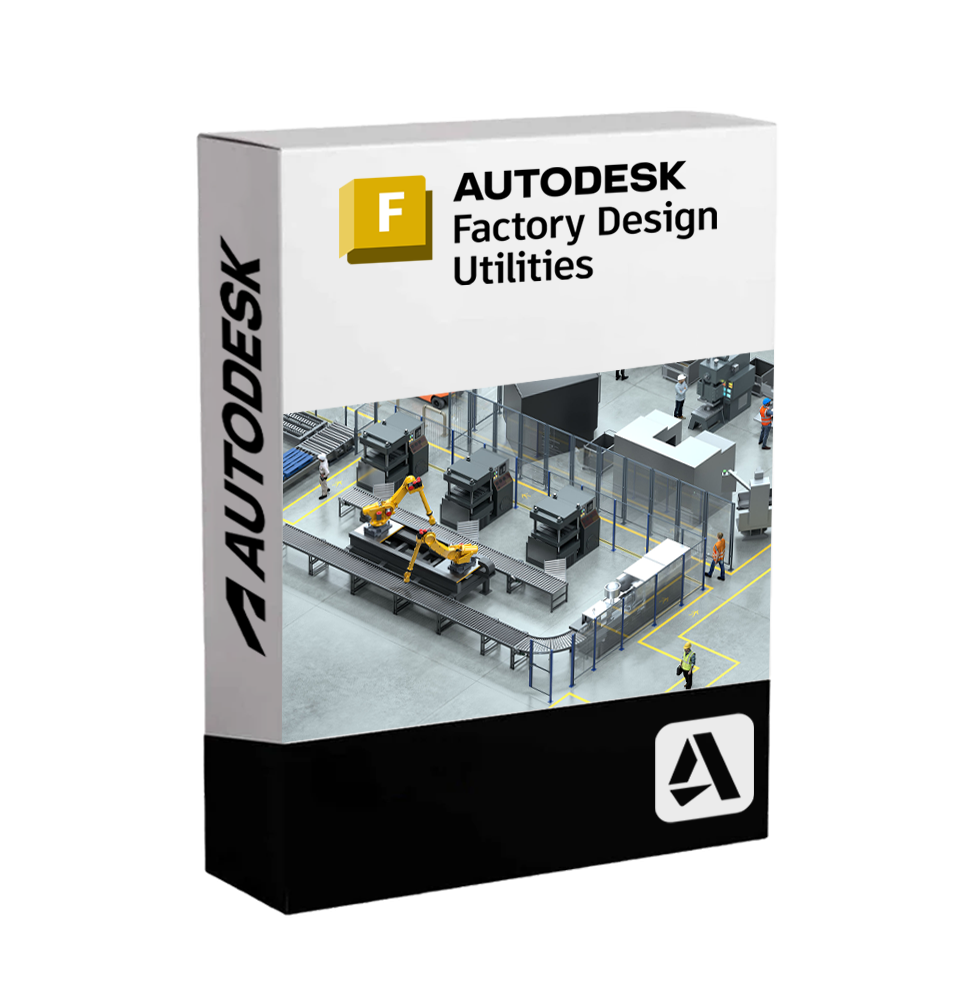
Autodesk Factory Design Utilities is a set of integrated tools designed to facilitate the design, optimization, and visualization of industrial plants, combining smart workflows between 2D and 3D environments. It is a comprehensive solution that enables the creation of detailed factory layouts, analysis of production flows, precise placement of machinery, and collaboration between technical and production departments.
This suite works in synergy with Autodesk Inventor, AutoCAD, and Navisworks, and offers specialized tools for space management, creation of intelligent assets, and digital validation of production layouts. It is designed to help plant engineers, industrial designers, and manufacturers optimize the performance of production environments by reducing errors, implementation times, and costs.
???? Who it is suitable for
Factory Design Utilities is intended for:
•Industrial engineers who design production and assembly plants.
•Manufacturing companies that want to plan or refurbish their production lines.
•Factory layout designers who work in multidisciplinary environments.
•Production and logistics managers who want to optimize spaces and routes.
•BIM and digital twin teams who manage smart or digitized factories.
???? Main features
???? Synchronized 2D/3D factory layout design
Ability to create a 2D layout in AutoCAD and automatically synchronize it with the 3D model in Inventor. Changes made in one of the two environments are automatically reflected in the other.
✔️ Realistic representation of machinery, conveyor belts, shelving, and robotic systems
✔️ Intelligent asset placement with space and alignment constraints
???? Customizable library of intelligent assets
Access to a complete library of parametric objects representing equipment, machinery, industrial structures, and production modules. Assets can be customized for size, orientation, and behavior, improving layout efficiency.
✅ Import of custom models
✅ Assignment of technical attributes and metadata
???? Production flow analysis
Preliminary simulation of the paths of materials, operators, or equipment to identify bottlenecks, space wastage, or ergonomics issues.
✔️ Visualization of operational sequences
✔️ Support for the optimization of internal logistics flows
???? Immersive navigation and validation
With integration into Autodesk Navisworks, it is possible to virtually explore the factory layout, detect interferences (clash detection), validate routes, and simulate the installation sequence.
???? Ideal for technical reviews and immersive presentations
???? Interoperability and collaboration
Factory Design Utilities integrates with the Autodesk ecosystem to support fluid collaboration between designers, technicians, and production managers.
✔️ Compatibility with AutoCAD, Inventor, Navisworks, Revit
✔️ Sharing of layouts via Autodesk Docs and Autodesk Viewer
✔️ Import of floor plans, PDFs, DWGs, 3D models, and plant data
???? Compatibility and system requirements
????️ Supported operating systems:
• Windows 11 / Windows 10 (64 bit)
Not available for macOS or Linux.
???? Recommended hardware requirements:
•Processor: Intel® Core i7/i9 or AMD Ryzen™ 7/9 multi-core
•RAM: Minimum 16 GB (32 GB recommended for complex layouts)
•Graphics card: NVIDIA Quadro / RTX or AMD Radeon Pro, 4 GB VRAM or higher
•Hard drive: SSD with at least 40 GB free
•Screen resolution: 1920 x 1080 (recommended 4K for detailed navigation)
???? Internet connection required for license activation, software updates, and access to cloud collaboration services.
???? What is included in Autodesk Factory Design Utilities
• Two-way synchronization module AutoCAD ↔ Inventor
• Complete library of parametric factory assets
• Tools for flow analysis and logistics simulation
• Compatibility with real 3D machinery models
• Functionality for detecting interferences
• Integration with Navisworks for exploration and validation
• Compatibility with Autodesk Vault for technical data management
• Creation and editing of factory layouts in collaborative environments
✨ Why choose Autodesk Factory Design Utilities
Factory Design Utilities allows you to optimize the entire process of designing industrial plants, reducing start-up production times, costs of incorrect layouts, and risks associated with on-site changes. The seamless transition between 2D and 3D, the availability of intelligent assets, and integration with simulation and collaboration tools make this software an essential tool to address the challenges of modern industry.
Thanks to an integrated, flexible, and interoperable platform, Autodesk Factory Design Utilities supports the transition towards the Digital Twin and intelligent automation, with a complete view of the production layout and efficient management of industrial space.




Immediate digital delivery
Original license
Satisfaction or refund within 30 days
Simple activation
Installation guide included
24/7 support, including on WhatsApp
Reusable in case of formatting
Multilingual
Updates included where provided