
For digital format products, delivery takes place within 5 minutes of receiving payment, via email.
 Whatsapp
DISCOUNT -10% - use the code SAT10 valid without minimum order
 Immediate digital delivery
Original license
Satisfaction or refund within 30 days
Simple activation
Installation guide included
24/7 support, including on WhatsApp
Reusable in case of formatting
Multilingual
Updates included where provided
Main applications
Content
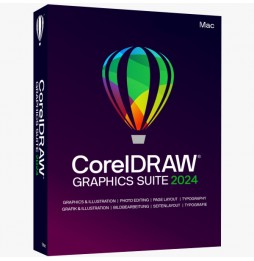
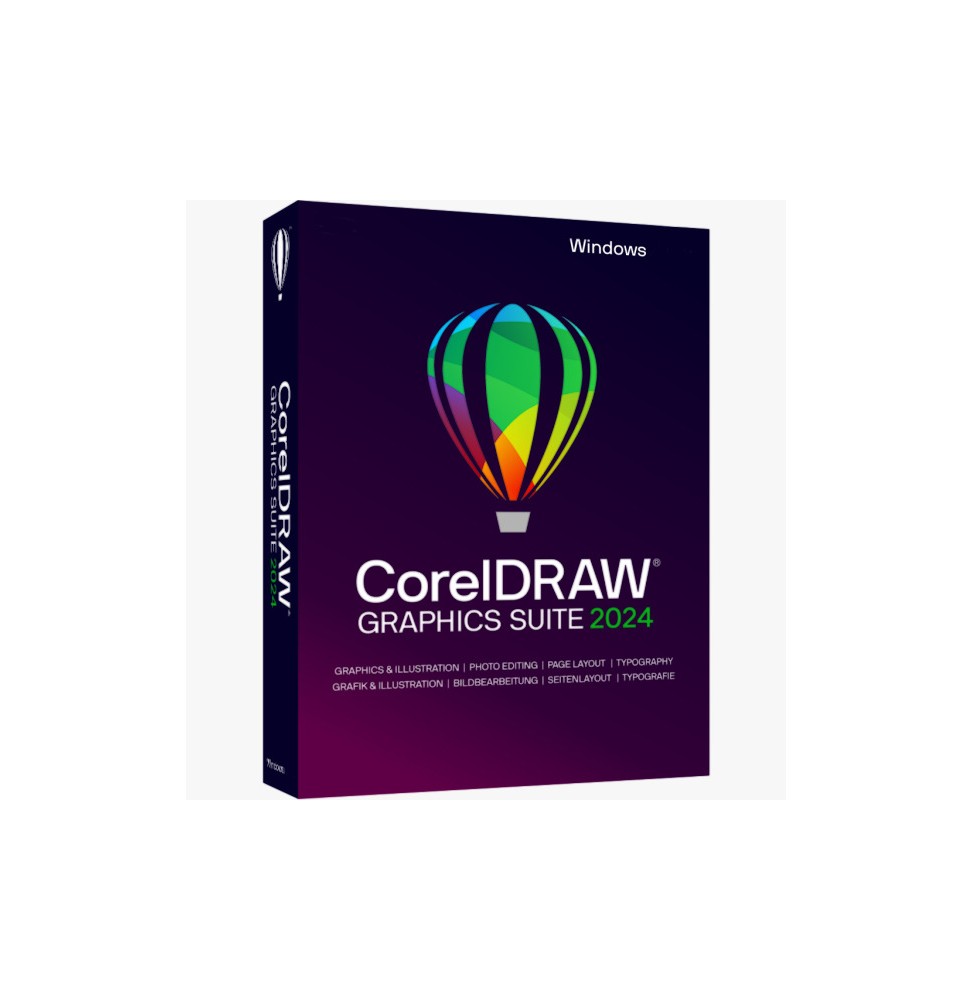
CorelDRAW Graphics Suite 2024
100 new painting brushes of all styles, pixel-based and absolutely realistic, are ready for the next graphic adventure. The technology is based on the well-known Corel® Painter®. Try the new brushes of CorelDRAW now.
The new online fonts make choosing the most beautiful font even easier. The docked/information window "Effects" has also been redesigned, making collaboration between Corel PHOTO-PAINT and CorelDRAW much simpler.
Moreover, numerous detailed optimizations have been made to the most popular tools, also based on your feedback, to further improve work with CorelDRAW.
Vector illustration
Use the powerful vector illustration tools of CorelDRAW to transform simple lines and shapes into complex works of art. Versatile shaping and drawing tools allow you to create curves and lines. Effect tools such as "Outline", "Envelope", "Gradient" or "Mesh Fill" allow you to add unique effects to vector graphics.
Page layout
You will have access to all the necessary tools to create layouts for brochures, multi-page documents, and more. You can choose between single-page or multi-page processing, depending on your needs.
Typography
A complete set of typographic tools allows for the perfect arrangement of characters. Expand your texts with effects such as shadow blocking and outlines, individually adjust the weight and width of characters thanks to the support of variable characters, align the text along a path and much more.
Character Management
The intuitive features of Corel Font Manager allow you to organize and manage your fonts and use your favorite fonts without installing them. And the network storage function speeds up work with fonts. You also have direct access to over 1,400 Google font families.
Image editing
The powerful layer-based image editing tools of Corel PHOTO-PAINT allow you to adjust color and tone, remove imperfections, correct perspective, and more. The exclusive features based on artificial intelligence enable you to enhance the size and quality of images. Additionally, use AfterShot HDR to create stunning HDR photos from your RAW images.
Cooperation
The cloud-based workflow brings together clients and colleagues in real time: coordination and approvals happen directly from your layout. You can collect comments and notes in real time from all employees and stakeholders directly.
Centrally in the CorelDRAW design file and respond immediately to feedback.
Specifications
This refers to a license in Educational Version.
For more specific information related to the product, you can access this link: https://www.coreldraw.com/it/product/coreldraw/

Immediate digital delivery
Original license
Satisfaction or refund within 30 days
Simple activation
Installation guide included
24/7 support, including on WhatsApp
Reusable in case of formatting
Multilingual
Updates included where provided