 Whatsapp







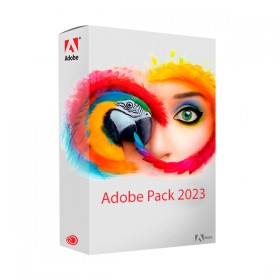
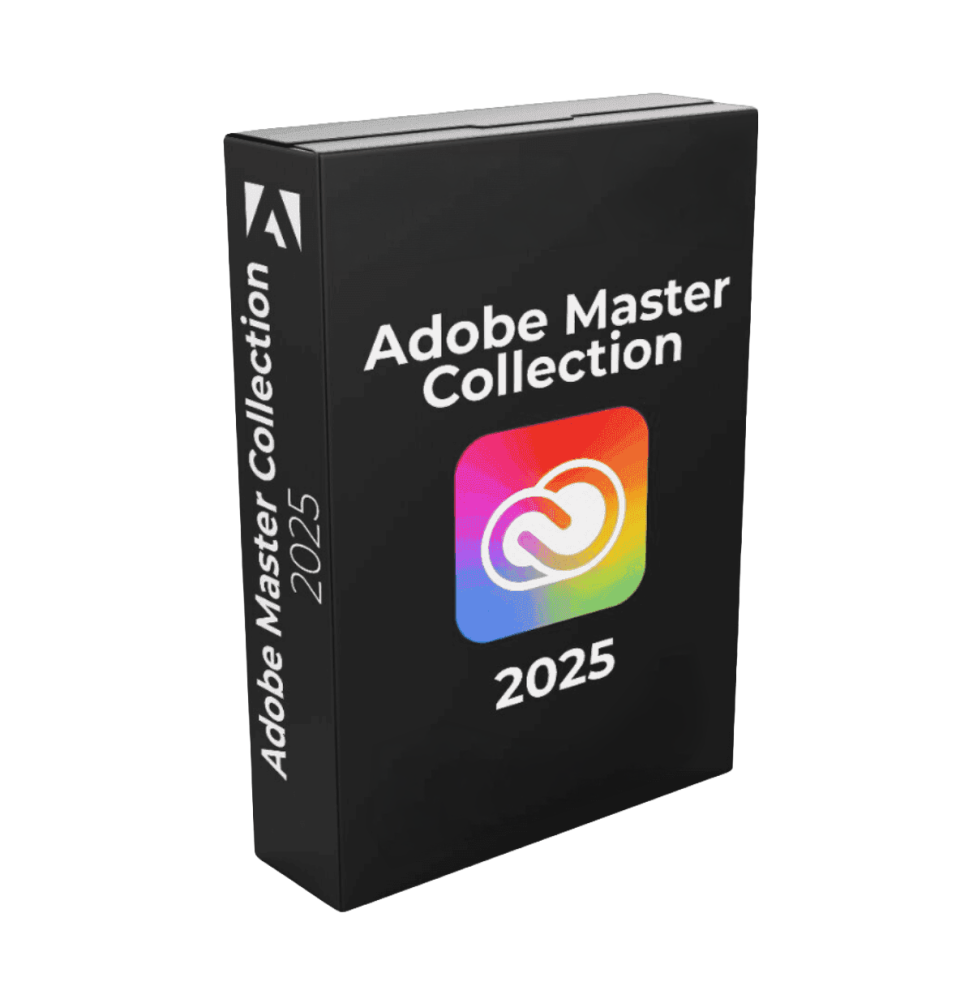
ADOBE PACK 2025
 Immediate digital delivery
Original license
Satisfaction guaranteed or refunded within 30 days
Simple activation
Installation guide included
24/7 support including WhatsApp
Reusable in case of formatting
Multilingual
Updates included where applicable
ADOBE PACK 2025
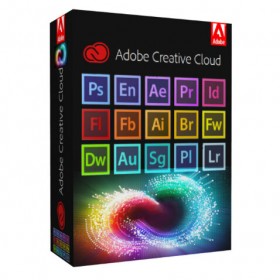
Adobe Pack 2025 is a collection of professional software designed to fully cover the main requirements of graphics, photography, video editing, motion graphics, layout, document management, audio editing and professional publishing. It is a package particularly suited for creatives, agencies, graphic studios, videomakers, photographers, content creators, marketing professionals and companies that want to have advanced tools for the production of digital content in a single solution.
This pack brings together specialized applications that are perfectly complementary to each other, allowing you to tackle the entire creative workflow: from PDF document editing to graphic design, from photo retouching to multimedia archives management, to professional audio-video production and animation.
Software included in the pack
The package includes the following programs:
-
Adobe Acrobat Pro 2025
-
Adobe After Effects 2025
-
Adobe Audition 2025
-
Adobe Bridge 2025
-
Adobe Character Animator 2025
-
Adobe Illustrator 2025
-
Adobe InCopy 2025
-
Adobe InDesign 2025
-
Adobe Lightroom Classic 2025
-
Adobe Media Encoder 2025
-
Adobe Photoshop 2025
-
Adobe Premiere Pro 2025
General overview of the package
Adobe Pack 2025 is designed to offer a complete and integrated work ecosystem. Each software has a specific function, but the real strength of the package is the ability to combine multiple tools in the same project. For example, a graphic created in Illustrator can be refined in Photoshop, laid out in InDesign, animated in After Effects, edited in Premiere Pro and exported via Media Encoder. Similarly, audio files can be cleaned in Audition, editorial documents can be reviewed with InCopy, and professional photos can be cataloged and developed in Lightroom Classic.
This complementarity makes the pack ideal not only for individual professionals, but also for teams and companies that want to standardize their workflow on a consistent, powerful and globally recognized suite.
Brief description of each included software Adobe Acrobat Pro 2025
Professional software for advanced management of PDF files. It allows you to create, edit, convert, merge, organize, sign and protect digital documents. It is particularly useful for companies, offices, technical studios, consultants, administrative professionals and anyone working with contracts, forms, commercial documentation or complex PDF files.
Adobe After Effects 2025Professional application for motion graphics, compositing and visual effects. It is used to animate texts, create cinematic effects, introduce dynamic titles, produce content for social media, advertising, broadcast and high-level video productions.
Adobe Audition 2025Software dedicated to editing, recording, mixing and restoring audio. Ideal for podcasts, voice-overs, light music productions, audio editing for video, cleaning up vocal recordings and professional sound post-production.
Adobe Bridge 2025Tool for managing and organizing creative files. It allows you to browse, catalog, preview and sort images, documents, graphic files and multimedia content without the need to import them into complex libraries. It is very useful for photographers, graphic designers and creative studios that manage large quantities of files.
Adobe Character Animator 2025Software for real-time character animation. It allows you to animate digital puppets via webcam, microphone and user movements, making it ideal for content creators, streamers, educators, 2D animators and video professionals who want to produce speaking characters or animated scenes quickly.
Adobe Illustrator 2025Professional application for vector graphics, logos, icons, illustrations, packaging, branding and content intended for print and digital. It is an industry standard for designers, illustrators and visual communication professionals.
Adobe InCopy 2025Editorial software designed for writing and reviewing texts in collaboration with InDesign. It allows editors, copywriters and proofreaders to work on textual content without altering the graphic layout of the document.
Adobe InDesign 2025Professional program for layout and desktop publishing. Perfect for creating brochures, catalogs, books, magazines, product sheets, pricelists, company documents and editorial materials with complex layouts and advanced typographical management.
Adobe Lightroom Classic 2025Software specialized in the management, cataloging, development and correction of photographs. It is mainly designed for professional photographers and advanced amateurs who need to process large volumes of RAW images, organize them into catalogs and apply non-destructive changes.
Adobe Media Encoder 2025Professional tool for encoding, converting, exporting and compressing audio and video files. It is essential for optimizing rendering workflows, processing queue files, creating custom presets and exporting content in different formats.
Adobe Photoshop 2025Reference software for photo retouching, image manipulation, graphic compositing and advanced raster graphics. It is used for photo editing, creating banners, mockups, social content, advertising retouching and complex creative works.
Adobe Premiere Pro 2025Professional non-linear video editing software. It allows you to edit video precisely, manage complex timelines, work with multiple audio and video tracks, add effects, color correction and produce content for cinema, web, advertising, social and training.
Main features of the pack
The package as a whole allows you to manage a wide range of professional activities:
-
processing and editing of PDF documents
-
creation of logos, illustrations and vector graphics
-
advanced photo retouching and compositing
-
development and cataloging of photographs
-
layout of editorial and commercial materials
-
text review and collaborative editorial workflows
-
professional video editing
-
motion graphics and visual effects
-
animation of 2D characters
-
recording, cleaning and mixing audio
-
export and encoding of multimedia content in different formats
Thanks to the variety of programs included, the pack is suitable both for those working in a single creative sector, and for those who want a cross-sector solution capable of covering multiple activities in a single software supply.
Integration between software
One of the major advantages of Adobe Pack 2025 is the strong integration between the included applications. The main operational benefits include:
-
simplified transition of files between different programs
-
workflow continuity between graphics, layout, video and audio
-
consistent management of creative resources
-
greater productivity in complex projects
-
possibility of using different applications for different phases of the same work
This integration makes the package very suitable for professional productions where image, text, audio and video must coexist harmoniously.
Operating system compatibility
Compatibility can vary slightly from program to program, but in general the pack is mainly designed for modern Windows environments, with some software also available on other systems. For the configuration described in the shown pack, the main references are the following:
-
Windows 10 and Windows 11 64-bit for full compatibility with most of the included software
-
some Adobe programs may also be available on macOS
-
specifically included is Adobe Photoshop 2025 for Windows
-
for optimum package management, it is recommended to use it on an up-to-date, stable operating system with recent drivers
Recommended hardware requirements
As the package includes software of different nature, the requirements can vary based on the application used. For a smooth and professional experience, a medium-high level configuration is recommended.
-
Processor
-
Intel Core i5 / i7 / i9 or AMD Ryzen 5 / 7 / 9
-
for video editing, motion graphics and rendering, a high-performance multi-core processor is recommended
-
-
RAM Memory
-
minimum 8 GB for basic use
-
16 GB recommended
-
32 GB or more preferable for After Effects, Premiere Pro, Photoshop on heavy files and multitasking workflows
-
-
Graphics card
-
Dedicated GPU compatible with hardware acceleration
-
at least 4 GB of VRAM recommended
-
preferable 6 GB or 8 GB for video editing, visual effects and complex graphic projects
-
-
Storage
-
SSD strongly recommended
-
at least 50 GB of free space for installations, cache and temporary files
-
preferable additional space dedicated to photo archives, video and audio projects
-
-
Display
-
minimum recommended resolution 1920 x 1080
-
useful a high color fidelity monitor for graphic, photographic and editorial work
-
-
Audio and peripherals
-
headphones or audio monitors recommended for Audition
-
external microphone recommended for vocal recordings
-
optional but useful graphic tablet for Photoshop and Illustrator
-
-
Internet Connection
-
recommended for activation, updates, synchronizations and some features connected to online services
-
Suitable for
Adobe Pack 2025 is particularly suitable for:
-
graphic designers
-
photographers

Specific References
- EAN13
- 1326773695687
16 other products in the same category:




Immediate digital delivery
Original license
Satisfaction guaranteed or refunded within 30 days
Simple activation
Installation guide included
24/7 support including WhatsApp
Reusable in case of formatting
Multilingual
Updates included where applicable