The shipment will be delivered digitally via email within a few minutes of receiving payment. These are ESD digital licenses, all product keys are original, and they can be reinstalled on the same activation device. By purchasing this product, you will receive the digital software to download with the attached product key for software activation, including all instructions for proper installation.
Used license discarded by the previous owner under the terms of the ECJ C-128/2011 ruling ([see](/content/6-software-usato))
✅ Multi-language
✅ Immediate Digital Delivery
✅ 24/7 Support, including via Whatsapp
✅ Reusable in case of formatting
✅ Updates
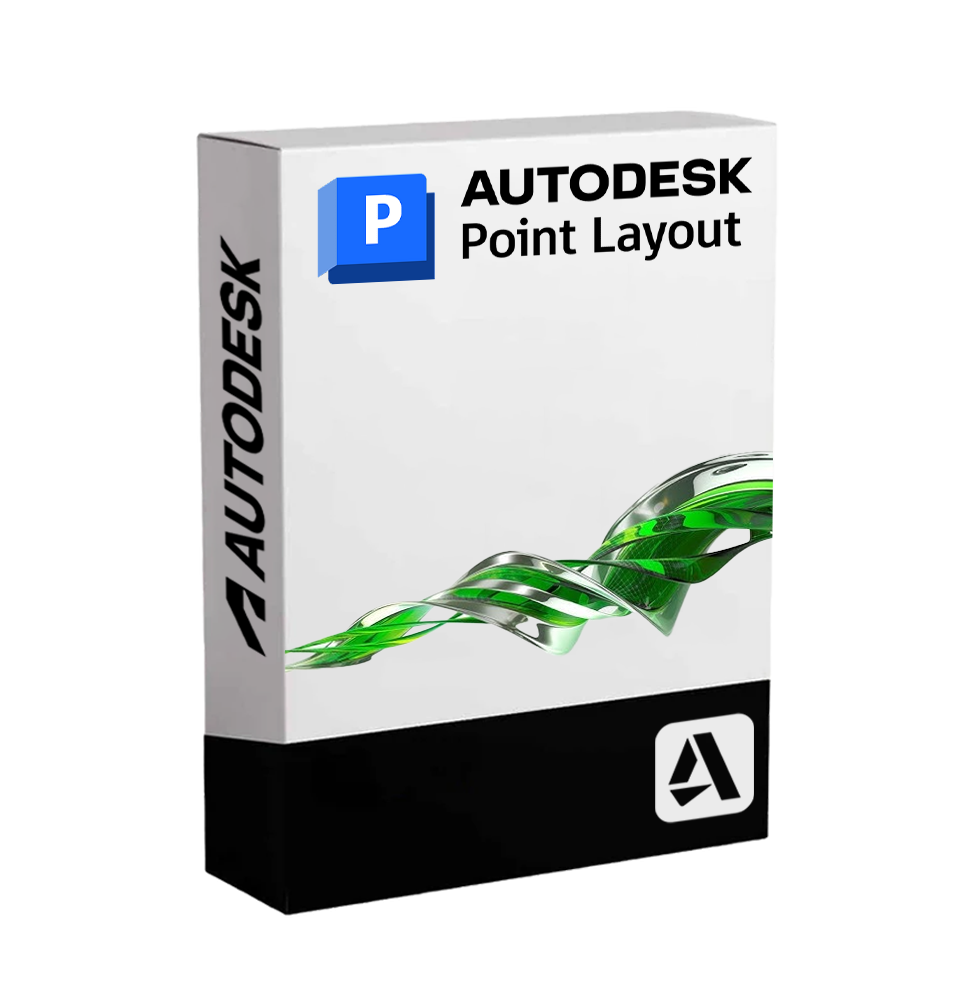
Autodesk Point Layout - Precision in Point Positioning for the Digital Construction Site
Autodesk Point Layout is a software dedicated to the automation of positioning reference points on BIM and CAD models, designed to ensure absolute precision during the construction phase. It is an essential tool for companies working in the construction, plant engineering and structural fields, and who want to integrate their digital flows with topographic survey systems, reducing errors on site and improving operational efficiency.
Thanks to compatibility with AutoCAD, Revit, and Navisworks, Point Layout allows you to automatically insert thousands of points into 2D/3D models, export them to robotic survey tools, and compare the return data directly within the digital project. The result is a perfect synergy between project and reality, essential to ensure accuracy and quality at every stage of construction.
📌 Main Features of Autodesk Point Layout
• Automatic insertion of layout points: intelligently positions reference points on key elements such as walls, columns, plants, foundations, anchors and more.
• Direct compatibility with survey tools: exports points to devices such as total stations, GPS and laser scanners for physical tracking on site.
• Field data reconciliation: imports return data for comparison between built reality and model, highlighting any discrepancies 📉.
• Integrated workflows with Revit, AutoCAD and Navisworks: the extension works directly in Autodesk software, allowing the generation of points directly in the BIM or CAD context.
• Custom filters and point grouping: automatic cataloging of points by discipline, level, area or project phase, facilitating field tracking.
• Control of elevation levels and real coordinates: ensures the consistency of topographic data and geospatial coordinates.
• Verification tools and reporting: exports lists, reports in CSV or Excel format for documentation and sharing with the construction team 🧾.
• Interoperability with Leica, Trimble, Topcon and other survey solutions: ease of integration with the most widespread topographic systems internationally.
🔄 Integrated Workflow and Collaboration
Point Layout allows designers, builders, and surveyors to operate in a single continuous flow, eliminating manual surveys, reducing rework, and ensuring the digital build complies with the project. The software is ideal for implementing BIM-to-Field and Field-to-BIM methodologies, improving communication between the technical office and the construction site 🏗️.
💻 Compatibility and System Requirements
🖥️ Supported operating systems:
• Windows 10 / 11 (64-bit)
Autodesk Point Layout is not available in a native version for macOS, but can be used on Mac via virtualized environments such as Parallels Desktop, VMware Fusion or Boot Camp (for Intel-based Mac).
🔧 Recommended minimum requirements:
• CPU: Intel Core i5 / i7 or AMD equivalent, multicore
• RAM: at least 8 GB (recommended 16 GB or more for complex models)
• GPU: DirectX 11 compatible video card, minimum 2 GB VRAM
• Required software: Autodesk Revit, AutoCAD or Navisworks (versions compatible with the Point Layout extension)
• Disk space: at least 10 GB available for installation and project management
• Internet connection: required for activation and license updates ☁️
👥 Who is Autodesk Point Layout suitable for?
This software is particularly useful for:
• Construction companies that work in the structural and plant engineering fields, and need precise tracking on the field
• Designers and technical studios that operate on BIM projects and want to ensure alignment between model and construction
• Surveyors and surveyors who integrate 3D models into their survey and restitution flows
• MEP installers (mechanical, electrical, hydraulic) who need to precisely position supports, anchors and ducts
• BIM coordinators and site technicians involved in tolerance control and verification of alignment in the executive phase
✅ Autodesk Point Layout is the ideal solution for those who want to bring the accuracy of the digital project directly to the field. It automates complex processes, reduces the margin of human error and offers an effective platform to ensure that every element is built where it should be, when it should be.
AD325TR
Specific References
ean13
7443539654635
CONSEGNA DIGITALE
Tutti i nostri prodotti vengono consegnati digitalmente tramite e-mail. Riceverai un codice Product Key, il file di download e le istruzioni di installazione e attivazione. La maggior parte dei prodotti viene consegnata entro 1-5 minuti. Alcuni prodotti devono essere consegnati manualmente e la consegna può richiedere fino a 1 ora.
Puoi anche accedere al prodotto che hai acquistato tramite Il mio account:
- Vai a "Il mio account" facendo clic nell'angolo in alto a destra della pagina web: "Ciao, [il tuo nome]".
- Premi "Ordini".
- Trova l'ID ordine corretto e premi "MOSTRA" all'estrema destra sotto l'intestazione "AZIONI".
Nella pagina dell'ordine troverai la chiave del prodotto e la guida per il download (alcuni prodotti ricevono solo una guida per il download tramite e-mail).
SE NON RIESCI A TROVARE LA CHIAVE PRODOTTO:
Se il codice Product Key non è indicato nella pagina dell'ordine o nella conferma dell'ordine, ti verrà inviato automaticamente entro un'ora dall'acquisto (dal lunedì all sabato dalle 09:00 alle 20:00).
Se non hai ricevuto il codice Product Key dopo due ore,
contattaci.
The shipment will be delivered digitally via email within a few minutes of receiving payment. These are ESD digital licenses, all product keys are original, and they can be reinstalled on the same activation device. By purchasing this product, you will receive the digital software to download with the attached product key for software activation, including all instructions for proper installation.
Used license discarded by the previous owner under the terms of the ECJ C-128/2011 ruling ([see](/content/6-software-usato))
✅ Multi-language
✅ Immediate Digital Delivery
✅ 24/7 Support, including via Whatsapp
✅ Reusable in case of formatting
✅ Updates








 Whatsapp