 Whatsapp





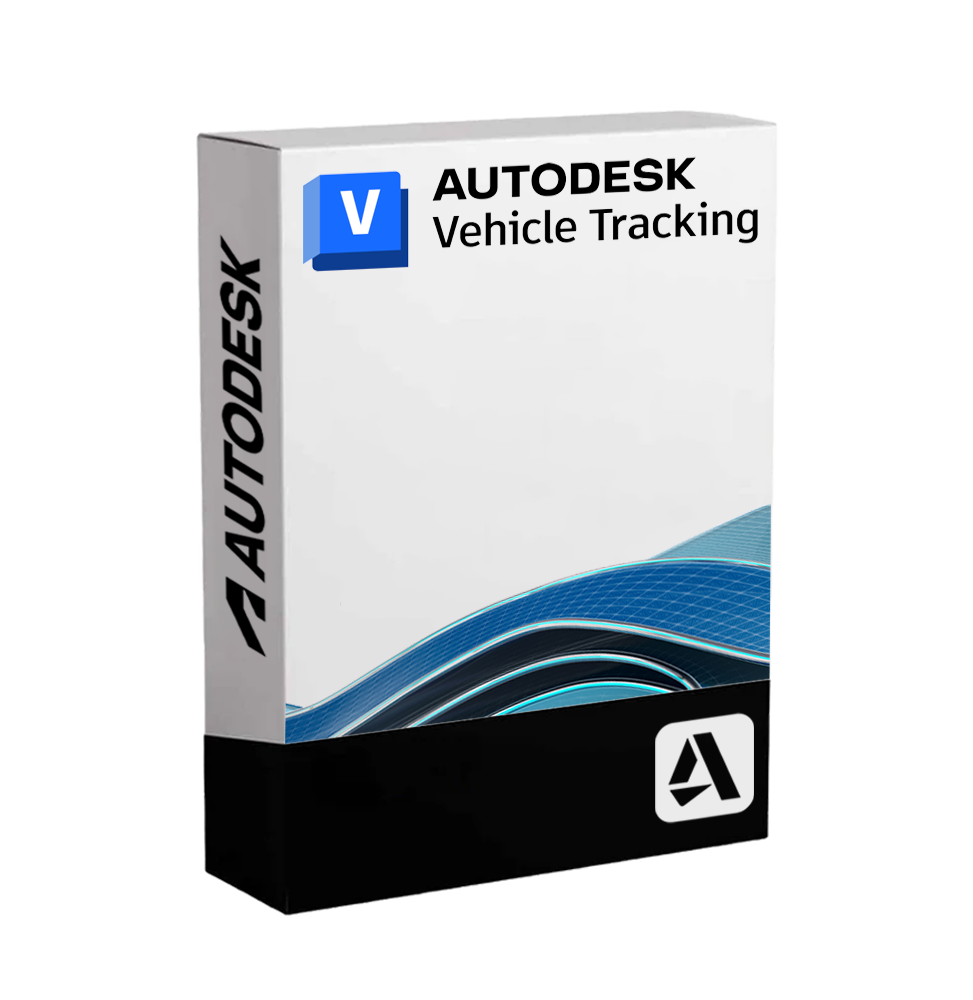
AUTODESK VEHICLE TRACKING
 Immediate digital delivery
Original license
Satisfaction guaranteed or refunded within 30 days
Simple activation
Installation guide included
24/7 support including WhatsApp
Reusable in case of formatting
Multilingual
Updates included where applicable
AUTODESK VEHICLE TRACKING
Autodesk Vehicle Tracking - Dynamic Analysis of Vehicle Paths, Design of Roundabouts and Maneuvering Spaces
Autodesk Vehicle Tracking is a specialized software for simulating vehicle movements, trajectory analysis and designing road infrastructures. Perfectly integrated into CAD environments such as AutoCAD, Civil 3D, and AutoCAD Plant 3D, it allows civil engineers, urban planners, and road designers to evaluate and optimize vehicle behavior in designed or existing spaces.
It is an essential tool to ensure that vehicles can maneuver, cross or park safely and in compliance with regulations, avoiding interferences or risk situations in road, transport, and logistics projects.
🚗 Main features of Autodesk Vehicle Tracking
• Vehicle trajectory simulation: analyzes the behavior of light vehicles, heavy vehicles, buses, articulated trucks, emergency vehicles, rail and airport vehicles. Each type of vehicle has realistic parameters of turning radius, wheelbase, and speed.
• Swept path analysis (track encumbrance): automatic calculation of the area occupied by a maneuvering vehicle, useful for checking tight curves, intersections, parking lots, and limited access 📏.
• Wide library of predefined vehicles: includes models standardized according to international standards (AASHTO, UK DfT, Austroads, etc.) with the possibility of creating custom vehicles.
• Design of roundabouts: parametric tool for the quick design of road roundabouts in compliance with local regulations, with automatic calculation of geometries, visibility, and lanes.
• Reverse maneuver simulation: useful for checking the feasibility of accesses, loading/unloading, industrial or logistics areas.
• Animations and dynamic visualization: possibility to create realistic animations of vehicular movement along the designed track, even with multiple simultaneous vehicles 🚦.
• Support for airport and railway tracks: includes specific tools to simulate the movement of railway convoys and airport vehicles.
• BIM and GIS compatibility: fluid integration with road, urban, and territorial BIM projects, with automatic alignment on topographic surfaces and digital models of the terrain.
• Calculation of safety distances and blind areas: advanced analysis for the safe design of public spaces, emergency lanes, and vehicular accesses.
🔗 Integration and workflow
• Fully integrated into AutoCAD, Civil 3D, AutoCAD Architecture, Map 3D, Plant 3D
• Support for layers, styles, and CAD blocks, for total compatibility with existing drawings
• Import and export of data in DWG, DGN, LandXML, IFC
💻 Compatibility and System Requirements
🖥️ Supported operating systems:
• Windows 10 / 11 (64-bit)
Vehicle Tracking is not available in a native version for macOS, but it can be run on Mac via Parallels Desktop, VMware Fusion or Boot Camp (only on Mac with Intel chip).
🔧 Recommended minimum requirements:
• CPU: Intel Core i5 / i7 or AMD Ryzen 5 / 7
• RAM: minimum 16 GB
• Graphics card: compatible with DirectX 11, at least 2 GB VRAM (recommended NVIDIA Quadro or RTX for smooth animations)
• Disk space: at least 10 GB available
• Required software: AutoCAD 2023/2024, Civil 3D or another compatible Autodesk platform
• Internet connection: necessary for activation and updates ☁️
👤 Who is Autodesk Vehicle Tracking suitable for?
This software is essential for:
• Civil and transport engineers who design road infrastructures, roundabouts, parking lots, lanes, and intersections
• Urban planners and territorial architects involved in urban planning and mobility 🚧
• Designers of logistic and industrial areas who must ensure safe maneuvers of trucks, heavy vehicles, and forklifts
• Public entities and local administrations evaluating new road projects or infrastructural adjustments
• Engineering and consulting companies specialized in infrastructures, transport, and smart mobility
✅ Autodesk Vehicle Tracking is a technical and highly specialized solution, designed to ensure efficiency, safety, and compliance in the design of vehicular spaces. A reliable and integrated tool that allows making more informed, fast, and precise decisions already from the preliminary stages of the project.

Specific References
- EAN13
- 7443539754755
16 other products in the same category:




Immediate digital delivery
Original license
Satisfaction guaranteed or refunded within 30 days
Simple activation
Installation guide included
24/7 support including WhatsApp
Reusable in case of formatting
Multilingual
Updates included where applicable