 Whatsapp




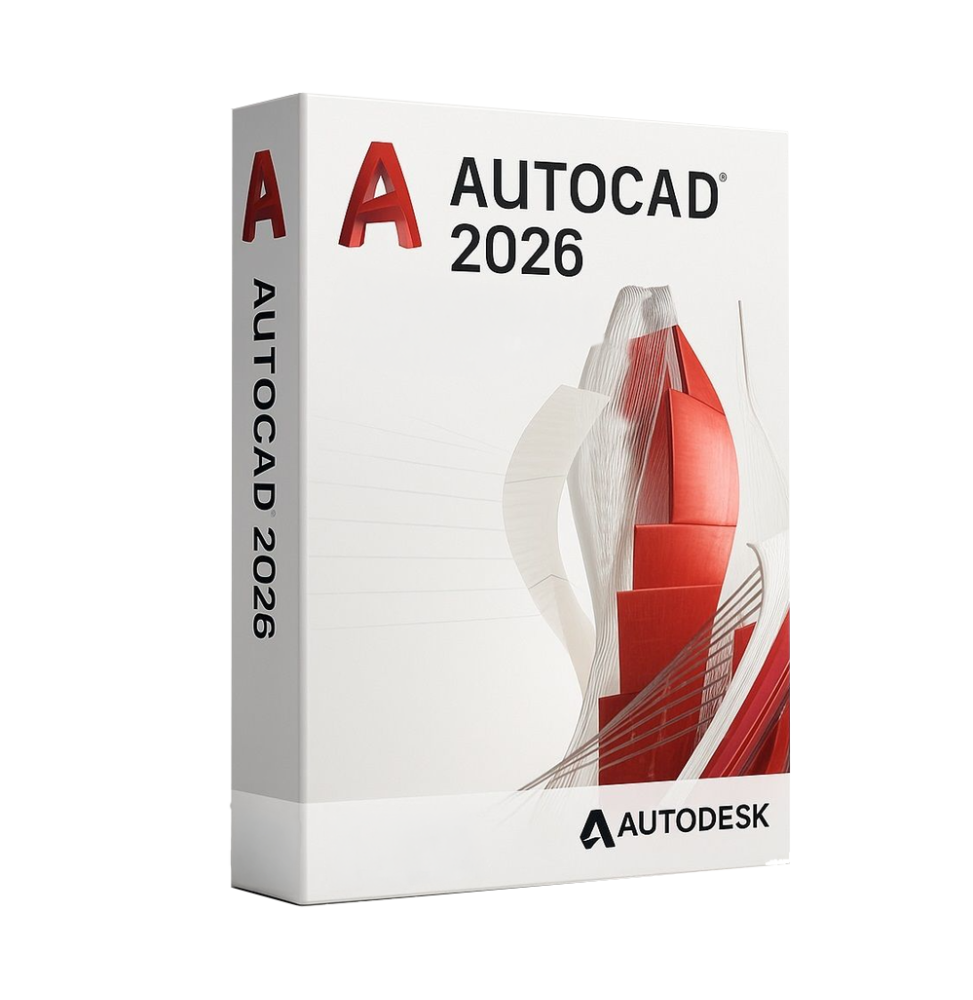
AUTODESK AUTOCAD 2026
 Immediate digital delivery
Original license
Satisfaction guaranteed or refunded within 30 days
Simple activation
Installation guide included
24/7 support including WhatsApp
Reusable in case of formatting
Multilingual
Updates included where applicable
AUTODESK AUTOCAD 2026
Autodesk AutoCAD 2026 is one of the most widely used and established software in the world for computer-aided design (CAD), used for the creation of 2D technical drawings and 3D models in the architectural, engineering, and industrial fields. It represents a global standard for professional design, offering advanced tools for the realization of precise, detailed projects that comply with technical standards.
Thanks to its flexibility, the precision of its tools, and integration with modern technologies, AutoCAD manages the entire design process, from the conceptual phase to the final documentation, improving productivity and operational efficiency.
Main features
Autodesk AutoCAD 2026 includes a complete set of tools for professional CAD design:
-
Advanced 2D drawing
Allows the creation of detailed technical drawings with precision tools for lines, polylines, arcs, circles, and dimensions.
-
3D modeling
Support for the creation of solid, surface, and mesh three-dimensional models, with tools for advanced visualization and editing.
-
Precision and geometric control
Includes grids, snaps, coordinates, and reference systems to ensure maximum accuracy in projects.
-
Annotations and technical documentation
Tools for inserting text, dimensions, tables, and symbols, essential for the production of complete technical documentation.
-
Dynamic blocks and libraries
Ability to create and use reusable components to speed up work and maintain consistency in projects.
-
Automation and customization
Support for scripts, macros, and APIs that allow automating processes and adapting the software to specific needs.
-
Advanced layer management
Complete system for organizing drawing elements, improving project management and readability.
-
Compatibility with standard formats
Native support for DWG files and compatibility with various CAD and graphic formats.
-
Tools based on artificial intelligence
Intelligent features for object recognition, operation automation, and productivity improvement.
Included tools and specializations
Autodesk AutoCAD 2026 includes access to various sets of specialized tools for specific sectors:
-
Architecture Toolset for architectural design
-
Mechanical Toolset for mechanical design
-
Electrical Toolset for electrical schematics
-
Map 3D Toolset for geospatial data
-
Plant 3D Toolset for industrial plants
These tools expand the functionality of the software, adapting it to different professional fields.
Integration and collaboration
AutoCAD 2026 is designed to work in modern collaborative environments:
-
Integration with cloud platforms for sharing and accessing files
-
Support for collaborative work on shared projects
-
Access to drawings via web and mobile applications
-
Compatibility with other Autodesk software and BIM tools
Operating system compatibility
Autodesk AutoCAD 2026 is compatible with:
-
Windows 10 and Windows 11 (64-bit)
-
macOS in the most recent supported versions
-
Browser access for web functionality
-
Mobile applications for iOS and Android
Recommended hardware requirements
For optimal performance, it is recommended:
-
Multi-core Intel Core i5/i7/i9 or equivalent AMD Ryzen processor
-
Minimum 8 GB RAM (16 GB or more recommended for complex projects)
-
Dedicated graphics card compatible with hardware acceleration (at least 4 GB VRAM recommended)
-
SSD disk space with at least 10–20 GB free
-
Minimum screen resolution 1920 x 1080 (4K recommended for detailed work)
-
Mouse with wheel or advanced pointing device
-
Internet connection for activation, updates, and cloud services
What's included
Autodesk AutoCAD 2026 includes:
-
Complete tools for 2D drawing and 3D modeling
-
Set of specialized tools for various sectors
-
Advanced system of annotation and documentation
-
Layer management and project organization
-
Automation and customization features
-
Cloud integration and multi-platform access
-
Support for DWG files and standard formats
-
Web and mobile applications for remote access
Who it's suitable for
Autodesk AutoCAD 2026 is particularly suitable for:
-
Architects and building designers
-
Civil, mechanical, and electrical engineers
-
Technical offices and design companies
-
Manufacturing and industrial companies
-
CAD professionals and technical drafters
-
Students and teachers in the technical field
Conclusion
Autodesk AutoCAD 2026 represents a complete and highly professional solution for CAD design. Thanks to its precision, flexibility, and wide range of tools, it allows the realization of complex projects with efficiency and total control.
It is an indispensable tool for those who work in the technical and engineering sector, offering all the necessary features to develop, document, and share projects professionally and in compliance with international standards.

Specific References
- EAN13
- 5098393010312
16 other products in the same category:
Immediate digital delivery
Original license
Satisfaction guaranteed or refunded within 30 days
Simple activation
Installation guide included
24/7 support including WhatsApp
Reusable in case of formatting
Multilingual
Updates included where applicable