 Whatsapp







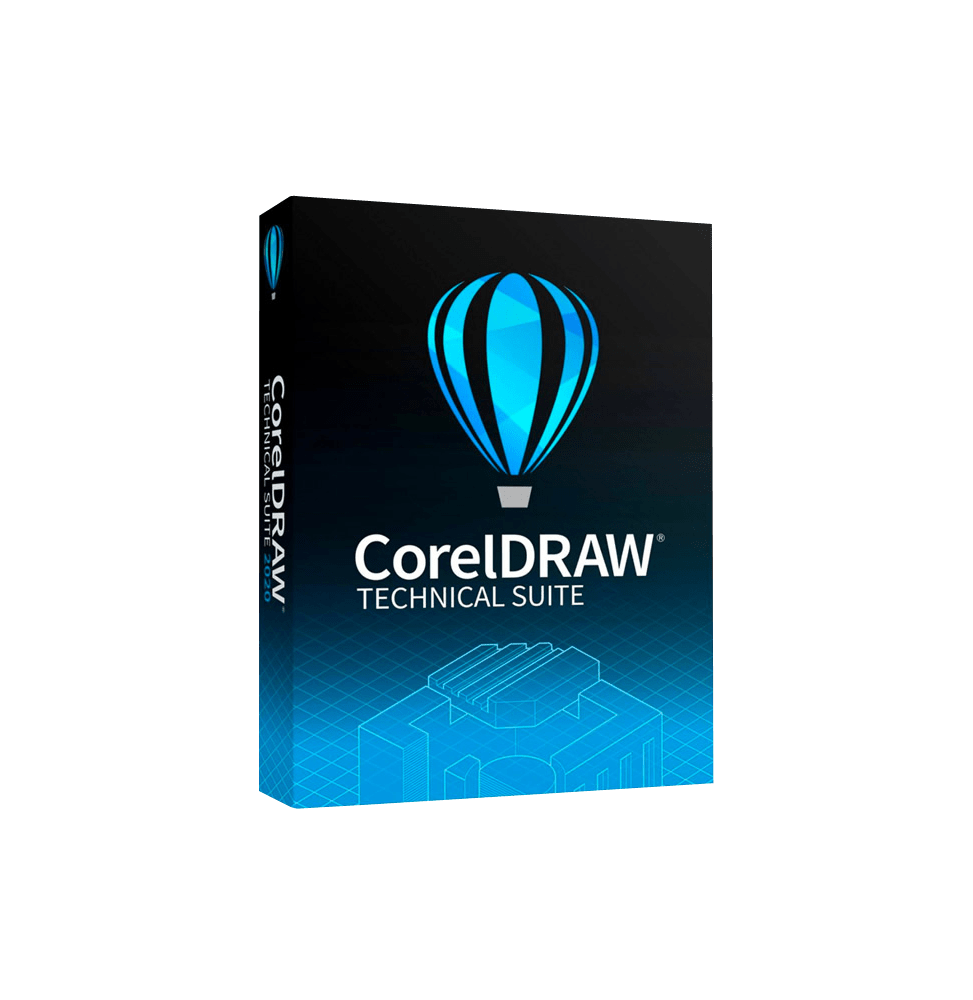
CORELDRAW TECHNICAL SUITE 2026
 Immediate digital delivery
Original license
Satisfaction guaranteed or refunded within 30 days
Simple activation
Installation guide included
24/7 support including WhatsApp
Reusable in case of formatting
Multilingual
Updates included where applicable
CORELDRAW TECHNICAL SUITE 2026
CorelDRAW Technical Suite 2026 is an advanced professional suite designed for the creation of technical illustrations, engineering documentation, and industrial visual communication. It is a comprehensive solution intended for manufacturing companies, engineers, technical designers, and documentation professionals, who need precise tools to transform complex data into clear and professional visual content.
Unlike traditional graphic suites, this solution is optimized for the production of technical manuals, schematics, diagrams, CAD illustrations, and industrial documentation, combining vector graphics tools, image editing, and technical content management.
Components included in the suite
CorelDRAW Technical Suite 2026 includes several integrated professional tools:
Corel DESIGNER Main software for creating precise technical illustrations, designed to work with CAD files and complex technical data.
CorelDRAW Advanced vector graphics environment for creating layouts, illustrations, and professional graphic content.
Corel PHOTO-PAINT Tool for raster image editing and photo manipulation.
XVl Studio Corel Edition Module dedicated to the management and display of 3D models, useful for creating technical illustrations from CAD data.
Corel Font Manager System for managing and organizing the fonts used in projects.
Corel CAPTURE (Windows) Tool for capturing screens and visual content.
This combination allows to cover the entire technical workflow, from design to final documentation.
Main features
The suite offers advanced tools specific for technical communication:
Precision technical illustration Allows the creation of detailed technical drawings with advanced control over lines, dimensions, symbols, and industrial standards.
Import and management of CAD data Support for files from CAD and 3D software, with the possibility to transform them into detailed 2D illustrations.
3D visualization and manipulation Conversion of 3D models into exploded technical views, sections and diagrams, facilitating the understanding of complex components.
Creation of technical documentation Dedicated tools for the production of manuals, guides, technical catalogs, and industrial documents.
Advanced vector graphics Professional tools for creating scalable illustrations, high-quality layout and graphic content.
Image editing and visual enhancement Possibility to edit raster images and enhance visual content for technical documentation.
Automation and productivity Support for macros, scripts, and automations to speed up repetitive tasks.
Support for technical standards Compatibility with industrial standards to ensure accuracy and compliance in projects.
Integration and workflow
CorelDRAW Technical Suite 2026 is designed to integrate into business workflows:
Compatibility with CAD software and PLM systems Import of technical data from various industrial formats Export to PDF, SVG, DWG, and other standard formats Integration with corporate documentation systems
Operating system compatibility
CorelDRAW Technical Suite is primarily designed for professional Windows environments:
Windows 10 and Windows 11 (64 bit) Support for systems updated with the latest security patches Compatibility with modern hardware environments
Recommended hardware requirements
For optimal performance in technical and industrial environments:
Multi-core Intel Core i3/i5/i7 processor or equivalent AMD Minimum 8 GB RAM (recommended 16 GB or more) OpenCL compatible graphics card with at least 3 GB VRAM Minimum disk space of about 5–6 GB (recommended SSD) Minimum screen resolution 1280 x 720 (recommended Full HD or higher) Mouse or graphics tablet for greater precision Internet connection for activation and access to content and updates
What's included
CorelDRAW Technical Suite 2026 includes:
Software for technical illustration and graphic design Tools for managing CAD data and 3D models Raster image editor Font management system Tools for screen capture Advanced functions for technical documentation Support for automation and productivity Compatibility with industrial formats
Who it is suitable for
CorelDRAW Technical Suite 2026 is particularly suitable for:
Engineers and technical designers Manufacturing and industrial companies Design studios and technical offices Technical documentation professionals Automotive, aerospace, electronic, and industrial sectors Companies that produce technical manuals and complex documentation
Conclusion
CorelDRAW Technical Suite 2026 represents a complete and highly specialized solution for technical communication and industrial design. Thanks to the combination of tools for vector graphics, CAD data management, and 3D visualization, it allows to transform complex technical information into clear, accurate, and professional content.
It is an indispensable tool for companies and professionals operating in technical and industrial fields, offering efficiency, precision, and complete control over every phase of technical documentation.

Specific References
- EAN13
- 1822782489632
16 other products in the same category:
-

-
-
![]()
- Out-of-Stock











Immediate digital delivery
Original license
Satisfaction guaranteed or refunded within 30 days
Simple activation
Installation guide included
24/7 support including WhatsApp
Reusable in case of formatting
Multilingual
Updates included where applicable