 Whatsapp







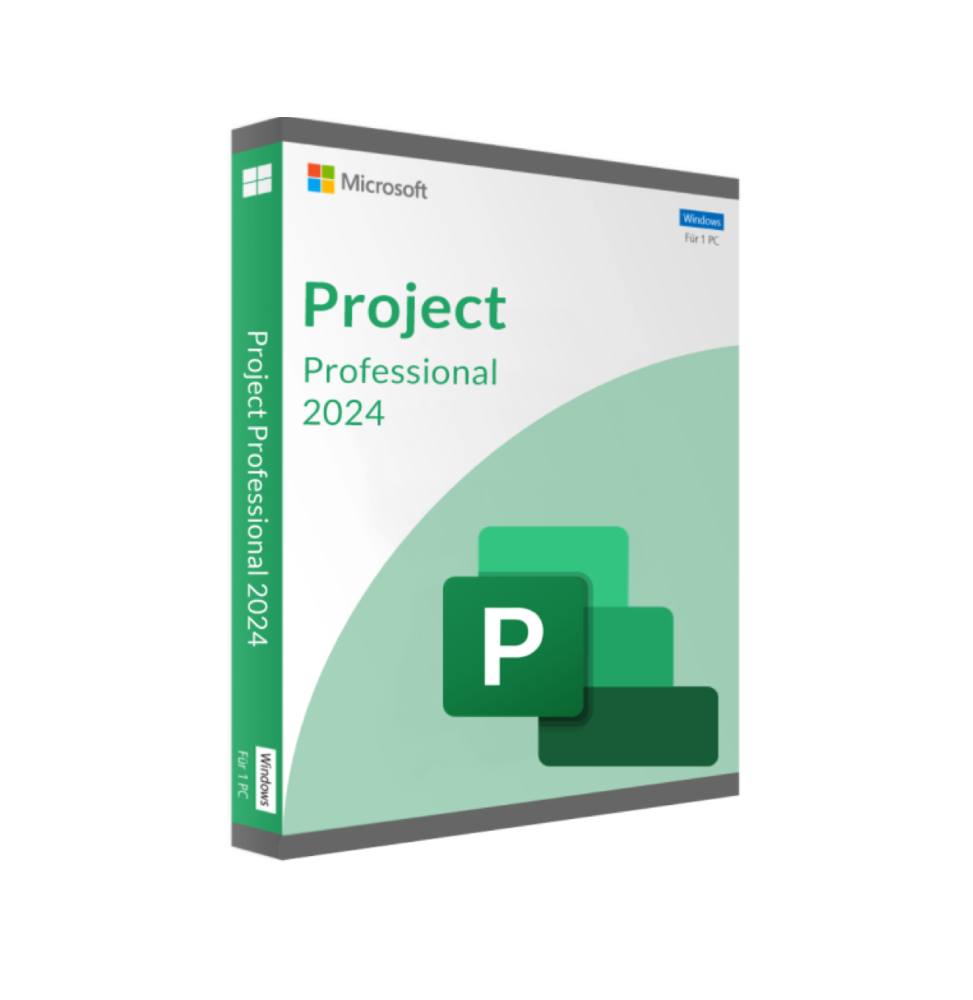
MICROSOFT PROJECT PROFESSIONAL 2024 (WINDOWS)
 Immediate digital delivery
Original license
Satisfaction guaranteed or refunded within 30 days
Simple activation
Installation guide included
24/7 support including WhatsApp
Reusable in case of formatting
Multilingual
Updates included where applicable
MICROSOFT PROJECT PROFESSIONAL 2024 (WINDOWS)
Microsoft Project 2024 is the latest version of Microsoft's project management software. It is designed to help teams plan, execute, and monitor projects. From small teams to large companies, Project 2024 offers powerful tools for managing schedules, resources, and budgets. The new version is packed with features that boost productivity and simplify the handling of complex tasks.
Microsoft Project 2024 is a powerful tool for project management that allows professionals to organize and monitor all aspects of their projects. It is widely used in various industries, including construction, IT and finance. This program also helps users manage time, resources, and costs more efficiently. Whether you are managing a single project or coordinating multiple initiatives, Microsoft Project offers the flexibility and scalability that adapt to your needs.
In 2024, a new user interface was designed to simplify navigation and make project planning more fluid. In addition, integration with other Microsoft services, such as Microsoft Teams and OneDrive, has been improved to facilitate collaboration. In this way, teams can easily share progress, communicate updates and make real-time changes. Project 2024 simplifies complex workflows and provides clear and actionable information through improved reporting tools.
New Features in Microsoft Project Professional 2024
Microsoft Project 2024 introduces several new features designed to simplify project management processes. Here is a summary of some of the most significant updates:
Improvements in Resource-Based Planning
The 2024 version offers improved resource-based planning options, making it easier to efficiently allocate project resources. This includes better visibility of resource availability and capacity, allowing tasks to be assigned to the right people or teams. With more detailed information on resources, project managers can avoid work overload and make informed decisions about staffing needs.
Integration with Azure and Cloud Features
Integration with Azure and cloud services has been enhanced in this version. Project managers can now leverage Azure services for greater scalability and security, particularly useful for large projects that require advanced resource management across different teams.
Kubernetes and Yourdon-Coad Notation
For IT and software development projects, Microsoft Project 2024 includes new notations, such as Kubernetes and Yourdon-Coad shapes. These notations are valuable for visualizing workflows and technical processes, facilitating progress tracking in development pipelines and system architecture.
Updated Reporting Tools
New reporting options offer a deeper insight into project performance. Improved dashboards provide real-time data visualizations, allowing project managers to have a clear picture of schedules, resource usage, and budget. This helps to identify any bottlenecks before they become problems.
Minimum Requirements Microsoft Project Professional 2024
Processor1.6 gigahertz (GHz) or faster, dual core
Operating SystemWindows 11, Windows 10, Windows Server 2019
Memory4 GB RAM, 2 GB RAM (32 bit)
Hard Disk Space4 GB available disk space
Screen Screen resolution 1280 x 768

Specific References
- EAN13
- 0710638496655
16 other products in the same category:













Immediate digital delivery
Original license
Satisfaction guaranteed or refunded within 30 days
Simple activation
Installation guide included
24/7 support including WhatsApp
Reusable in case of formatting
Multilingual
Updates included where applicable