
- Online only
- New



For digital format products, delivery takes place within 5 minutes of receiving payment, via email.
 Whatsapp
DISCOUNT -10% - use the code SAT10 valid without minimum order
 Immediate digital delivery
Original license
Satisfaction guaranteed or refunded within 30 days
Simple activation
Installation guide included
24/7 support including WhatsApp
Reusable in case of formatting
Multilingual
Updates included where applicable
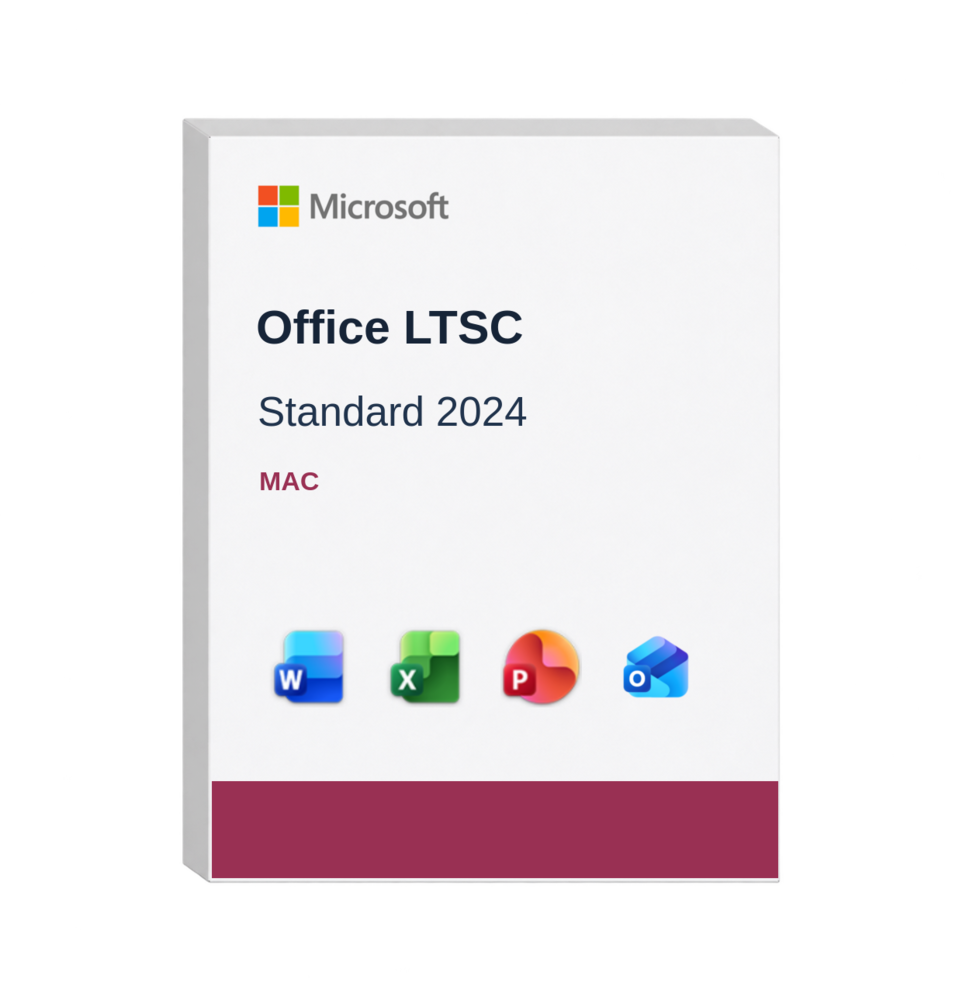
Office LTSC Standard 2024 for Mac is the fixed-release desktop suite for macOS. It suits organizations that need locally installed Office applications for documents, data, presentations and business communication without moving the desktop suite to a recurring cloud plan.
Suited to organizations that issue Macs to staff who work with office files, presentations and mail. In mixed Windows and Mac teams, review document templates, fonts and automation before deploying.
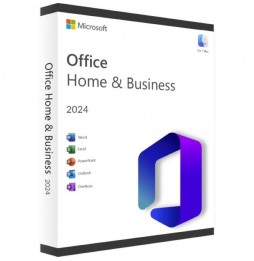
The desktop suite includes Word, Excel, PowerPoint, Outlook and OneNote for Mac. It handles common DOCX, XLSX and PPTX files. Check supported macOS releases and any features that depend on Windows add-ins.
Check the LTSC license and deployment model for your organization. Microsoft 365 cloud services and future major Office releases have separate terms.
Confirm the macOS version and your organization's deployment requirements. Test any essential add-ins, macros or features shared with Windows Office users.
Digital delivery is handled manually after the order is checked. Keep the order confirmation and follow the instructions for your edition.
Choose Office LTSC Standard 2024 for Windows for a Windows installation. This listing covers macOS.
This is a purchase of the fixed 2024 desktop release. Microsoft 365 cloud subscriptions are separate.


La procedura di invio e ricezione della merce è stato molto efficace
La mia esperienza è assolutamente positiva. Ho riscontrato un piccolo problema, subito verificato e risolto dall'assistenza, che ho trovato veloce e puntuale. Hanno risposto immediatamente e con gentilezza e professionalità.
a causa di problemi con il mio pc avevo incontrato qualche problema per installazione. ho quindi messaggiato con wapp prima e parlato poi con assistenza che si è dimostrata molto disponibile e mi ha aiutato a risolvere tutto. grazie
Tutto perfetto. Dall'acquisto all'installazione del software. Grazie mlle
Tutto ok
Ottimo
scaricato ed installato tutto ok
Ottima assistenza tecnica!
Facile l’acquisto e le istruzioni sono a prova di bambino. Consigliatissimo!!!
Immediate digital delivery
Original license
Satisfaction guaranteed or refunded within 30 days
Simple activation
Installation guide included
24/7 support including WhatsApp
Reusable in case of formatting
Multilingual
Updates included where applicable