 Whatsapp







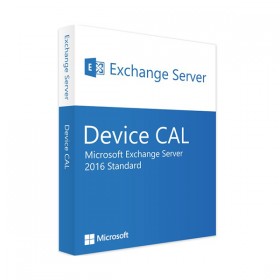
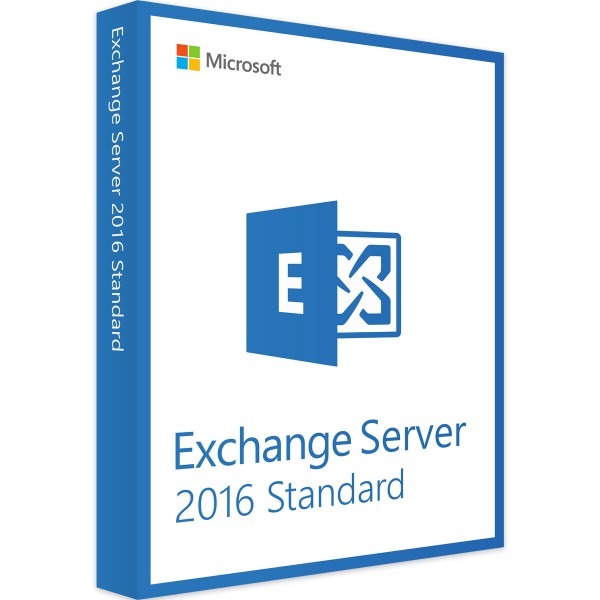
MICROSOFT EXCHANGE SERVER 2016 STANDARD
 Immediate digital delivery
Original license
Satisfaction guaranteed or refunded within 30 days
Simple activation
Installation guide included
24/7 support including WhatsApp
Reusable in case of formatting
Multilingual
Updates included where applicable
Product Information "Microsoft Exchange Server 2016 Standard"
Microsoft Exchange Server 2016 Standard guarantees your company a flexible, clear, transparent and cost-effective way of communication. All features are designed to help you in your daily work and ensure a high level of performance and reliability. The focus is on archiving and managing emails, contacts and appointments, but with Microsoft Exchange Server 2016 Standard you can quickly perform other tasks as well.
Exchange 2016 Standard for professional email management
Corporate email communication is the heart of Microsoft Exchange Server 2016 Standard. Whether working on your own or using Microsoft Cloud, you will benefit from greater security and control over your organization. Microsoft Exchange Server 2016 Standard supports up to 5 databases of mailboxes and is therefore suitable for small to medium organizations. For larger companies the Enterprise Edition is recommended. Designed for productive team work, Exchange 2016 Standard will support you and your colleagues in all tasks, guaranteeing you better results.
The advantages of Exchange Server 2016 Standard
- Increased productivity thanks to fast search and intelligent mail entry
- The simplified architecture combines mail entry and client access roles, facilitating the planning and scalability of your arrangements
- Enhanced security thanks to data loss prevention (DLP) and expanded monitoring capabilities
- Better collaboration on documents thanks to the elimination of problems in managing the version of the attachments
- Flexible use thanks to the new Outlook interface and the Web App on mobile devices
Roles in Microsoft Exchange Server 2016 Standard
The functionality of Exchange in the 2016 version is divided into two different roles, which you can establish at the time of installation. First there is the "Mailbox" role, which includes the main functionality. It stores databases and accepts client requests. Then there's the "Edge Transfer" role, which provides additional security in the transfer of emails between the internal network and the internet. In this regard, for example, the antispam filter can be mentioned.
Outlook Desktop and Exchange 2016 Standard applications
In order to use the Microsoft Exchange Server 2016 Standard services on the desktop, a desktop email application such as Microsoft Outlook is required. You can buy this software in an Office package or as a single Office program. At this point you should definitely pay attention by buying Exchange Server 2016 Standard, because otherwise you won't have access to the desktop features. Buy here Microsoft Outlook 2016.
Platform
Windows
Operating system
Windows Server 2008 R2 Standard (SP1), Windows Server 2008 R2 Enterprise (SP1), Windows Server 2008 R2 Datacenter (RTM or higher), Windows Server 2012 Standard and Datacenter, Windows Server 2012 R2 Standard and Datacenter, Windows Server 2016 Standard and Datacenter
Processor
Computer with Intel CPU with x64 architecture that supports Intel 64 architecture. Alternatively, an AMD processor with AMD64 platform support
Memory
At least 8 GB
Graphic card
no indication
Audio card
no indication
Hard disk
At least 30 GB of space on the installation unit. An additional 500 MB is required for each Unified Messaging language pack and at least another 500 MB for the queue database.
Monitor
1024 x 768 pixels (minimum)
Optical disk
DVD player (for DVD installation)

Specific References
- EAN13
- 0760947046973
12 other products in the same category:
Immediate digital delivery
Original license
Satisfaction guaranteed or refunded within 30 days
Simple activation
Installation guide included
24/7 support including WhatsApp
Reusable in case of formatting
Multilingual
Updates included where applicable