 Whatsapp



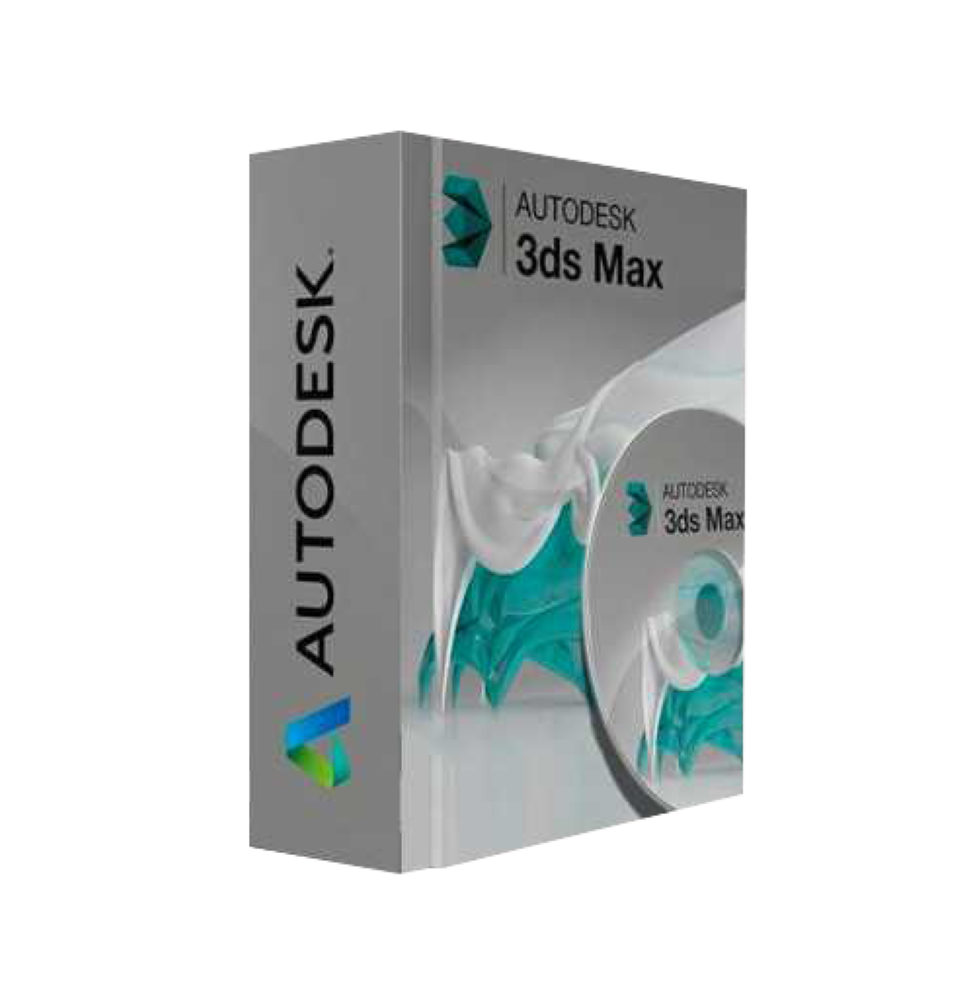
AUTODESK 3DS MAX 2025
 Immediate digital delivery
Original license
Satisfaction guaranteed or refunded within 30 days
Simple activation
Installation guide included
24/7 support including WhatsApp
Reusable in case of formatting
Multilingual
Updates included where applicable
AUTODESK 3DS MAX 2025
Product Description of 3ds Max 2025
Take advantage of the exclusive benefits of Autodesk 3ds Max 2025 on Cadac.
We have something beautiful: the benefit for the customer has improved. Discover the exclusive advantages of Cadac Group's Loyalty Program. Thanks to our Cadac Wallet, you always benefit from the best deals on Autodesk software. A great price, with excellent service: improve your product development process with Autodesk 3ds Max 2025. As an Autodesk Platinum Partner, Cadac Group not only offers a competitive loyalty program with our Cadac Wallet, but you also have the certainty of unparalleled service.
Innovative power for 3D creation and visualization with 3ds Max 2025
Autodesk 3ds Max 2025 is an advanced software suite for 3D modeling, animation, and rendering that provides an essential toolkit for professionals in various fields, such as gaming, film, engineering, and mechanical engineering.
The versatility of Autodesk 3ds Max 2025 offers three key advantages for your business or project. First of all, this software allows you to bring your projects to life through advanced animation tools. Features such as 3ds Max Fluid allow you to simulate and create realistic fluid behavior, while also allowing you to easily import and modify simulation data. Additionally, 3ds Max 2025 also allows you to add realistic effects, such as water, fire, fog, and snow, thanks to a range of animation tools, including motion paths, general animation tools, and rigging tools.
A second key aspect of Autodesk 3ds Max 2025 is its powerful 3D rendering functionality, which provides optimized tools for VR visualization. The physical camera tool allows you to simulate precise camera settings and generate detailed images of architectural scenes using Autodesk Raytracer Renderer. Furthermore, you will benefit from the improved ActiveShade rendering, which will allow you to create high-quality renderings quickly and efficiently.
Finally, Autodesk 3ds Max 2025 offers an intuitive experience thanks to features such as the resource library, the creation of smart resource packages, modern user interfaces and workspaces, and enhanced integration for pipeline tools. Thanks to this complete set of features, it is possible to work efficiently and enjoyably on projects, while also taking advantage of the advanced tools and features of Autodesk 3ds Max 2025.
New features and improvements in Autodesk 3ds Max 2025
With the launch of 3ds Max 2025, Autodesk has once again expanded the horizons of 3D design and animation. This latest version is enriched with new features and improvements, designed to increase efficiency, promote collaboration, and stimulate creativity. Below are the new features and improvements made to Autodesk 3ds Max:
Focus on modern color management: OpenColorIO is now the standard for 3ds Max 2025 and offers artists a standardized color management system to improve quality and uniformity. This includes integration into VertexPaint and color space specification in Bake to Texture.
Improved retopology tools: in 3ds Max 2025, the retopology tools have been enhanced to increase modeling efficiency, giving artists more time for complex and detailed models.
Updated global search: this version of 3ds Max features a simplified version of the global search function to simplify navigation within the software and save users time.
Menu Editor: with the new menu editor in 3ds Max, you can easily customize menus and quad menus by adding, renaming or removing items, creating separators and submenus, and reordering menus.
Updates on OpenUSD integration: the updated Universal Scene Description (USD) plugin allows artists to import animations, including animated light and animated camera, as well as blendShape.
This is a product in Educational Version.
System Requirements
Processor Multi-core Intel® or AMD® processor with 64-bit and SSE4.2 instruction set.
RAM At least 4 GB of RAM (8 GB or more recommended)
Disk Space 9 GB of free disk space for installation

Specific References
- EAN13
- 9781630576783
16 other products in the same category:



Immediate digital delivery
Original license
Satisfaction guaranteed or refunded within 30 days
Simple activation
Installation guide included
24/7 support including WhatsApp
Reusable in case of formatting
Multilingual
Updates included where applicable