 Whatsapp







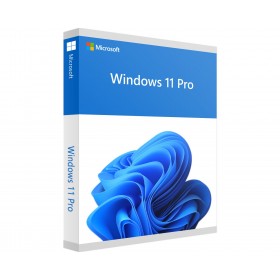
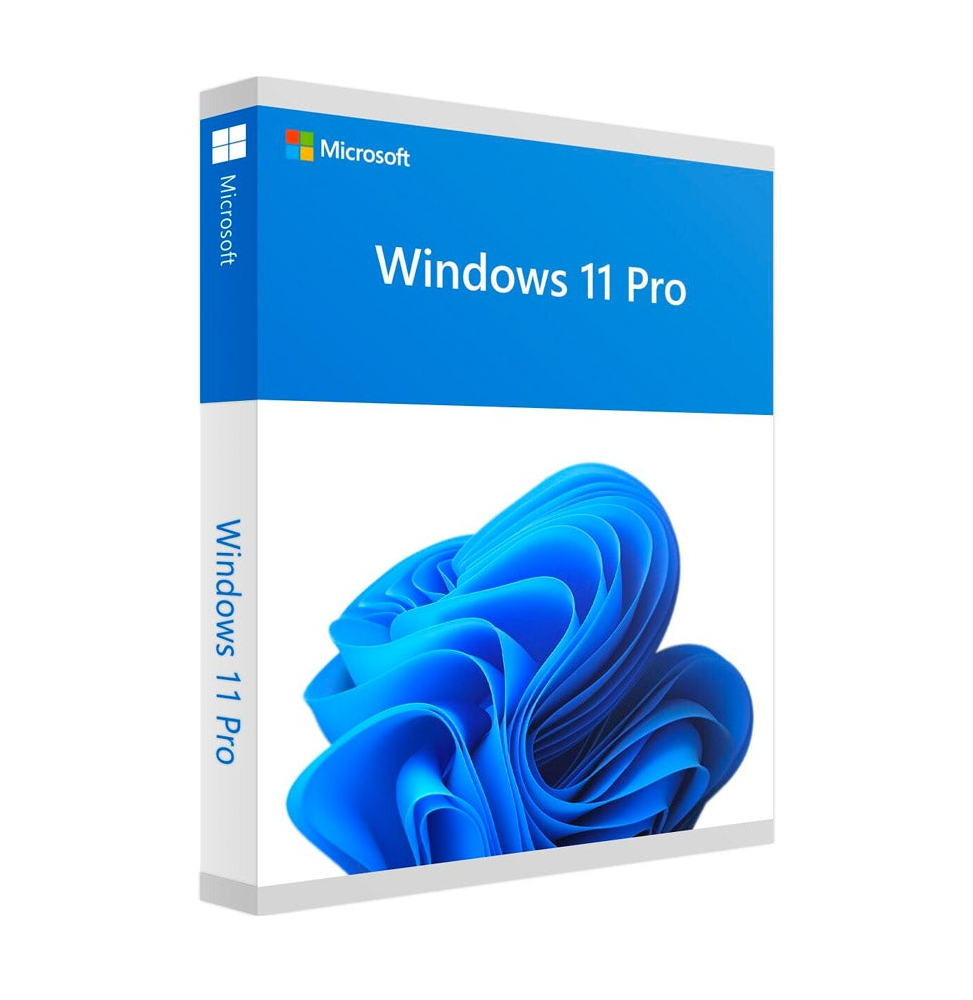
MICROSOFT WINDOWS 11 PRO (SCHOOL PROMOTION)
 Immediate digital delivery
Original license
Satisfaction guaranteed or refunded within 30 days
Simple activation
Installation guide included
24/7 support including WhatsApp
Reusable in case of formatting
Multilingual
Updates included where applicable
MICROSOFT WINDOWS 11 PRO (SCHOOL PROMOTION)
Microsoft Windows 11 Pro - The advanced operating system for modern work
Microsoft Windows 11 Pro represents the most advanced evolution of the Microsoft operating system, designed for professional environments, businesses, and users who demand the utmost in security, productivity, and multitasking. With a completely revamped interface, intelligent features, and advanced management tools, Windows 11 Pro is the ideal solution for those working in dynamic, local, or cloud environments.
Main features included
Windows 11 Pro combines the power of Windows 10 Pro with a new, smooth, modern, and productive user experience, enriched with technologies designed for the future of work:
• Redesigned Design: Modern interface, with rounded edges, centralized Start menu, new animations, and more efficient window management through Snap layout.
• BitLocker: ????️ Data protection through full disk encryption, ideal for portable or corporate devices.
• Advanced virtual desktops: Create separate work environments to organize personal, professional, educational, or creative activities.
• Windows Sandbox: Safely launch applications in temporary isolated environments, perfect for testing software without risks.
• Hyper-V: Integrated virtualization to create and manage virtual machines directly from the operating system.
• Remote access: Full control of the PC from anywhere thanks to the Remote Desktop feature.
• Windows Hello: Biometric access with facial recognition or fingerprint, for a fast and secure login.
• Renewed Microsoft Store: Access to a new app ecosystem, including support for Android apps (on compatible hardware).
• Windows Terminal: Enhanced tool for developers and sysadmins, with support for PowerShell, Azure CLI, and bash.
System requirements
Windows 11 Pro introduces more modern hardware requirements to ensure performance, security, and long-term compatibility:
• Processor: 1 GHz or faster, with at least 2 cores on a 64-bit compatible processor or SoC
• RAM: minimum 4 GB
• Disk space: at least 64 GB
• System firmware: UEFI, compatible with Secure Boot
• TPM (Trusted Platform Module): version 2.0 required
• Graphics card: compatible with DirectX 12 or higher with WDDM 2.0 driver
• Display: minimum 720p, 9” screen or larger
???? An SSD is always recommended for optimal performance.
Compatibility
• ✅ Compatible with all Windows 11 Ready devices
• ✅ Supports domain, Azure AD and Active Directory environments
• ???? Upgradable from Windows 10 Pro on compatible devices
• ❌ Not compatible with 32-bit systems
macOS Compatibility
Windows 11 Pro cannot be natively installed on macOS devices, but it can be efficiently used through:
• Parallels Desktop (including support for Macs with Apple Silicon M1 and M2 chips)
• VMware Fusion
• Boot Camp (only for Intel Macs, not compatible with M1/M2)
???? These solutions allow Mac users to use professional Windows software, business management, or specific apps for the Microsoft environment.
Who is it recommended for
• ???? Companies and professionals looking for a modern, secure platform compatible with complex network environments
• ???????? Developers and IT technicians who need advanced tools like Hyper-V, Terminal, and virtualization support
• ???? Managers and freelancers who want high performance, multitasking, and data security
• ???? Schools, public bodies, and technical studies that require an updated system, compliant with current security standards
Windows 11 Pro is much more than an operating system: it is an ecosystem designed for the work of the future, capable of offering reliability, protection, and flexibility in both local and cloud environments. A solid and professional choice to face every digital challenge with elegance and power.

Specific References
- UPC
- 889842905366
- EAN13
- 0889842905366
- MPN
- QC-10534
9 other products in the same category:
Immediate digital delivery
Original license
Satisfaction guaranteed or refunded within 30 days
Simple activation
Installation guide included
24/7 support including WhatsApp
Reusable in case of formatting
Multilingual
Updates included where applicable