 Whatsapp




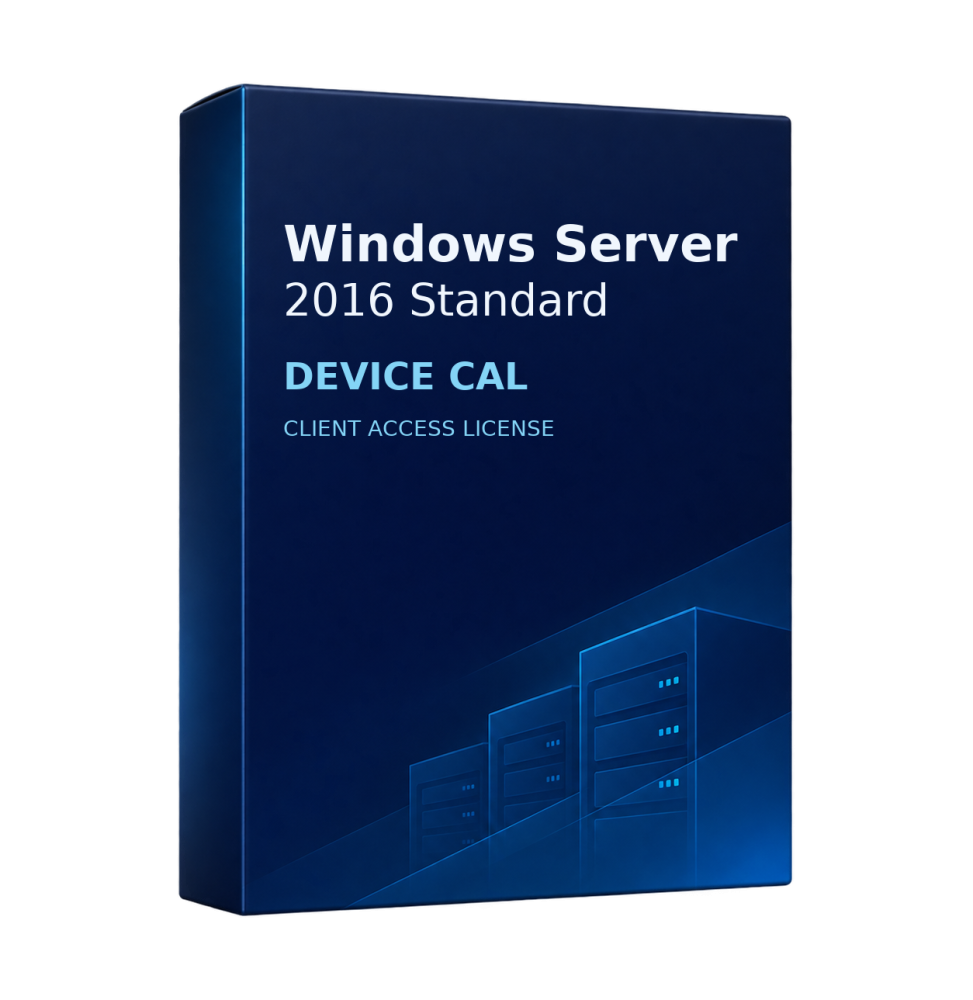
WINDOWS SERVER 2016 STANDARD CAL DEVICE
 Immediate digital delivery
Original license
Satisfaction guaranteed or refunded within 30 days
Simple activation
Installation guide included
24/7 support including WhatsApp
Reusable in case of formatting
Multilingual
Updates included where applicable
Access rights for services on a licensed Windows Server. Remote Desktop sessions also require an RDS CAL.
Licence at a glance
A Device CAL covers one workstation, including a workstation shared by several people.
Access and compatibility
A base CAL covers access to services such as file sharing, print and authentication, subject to the server edition. Assign it to the relevant user or device and keep a record. When several server versions are in use, check the CAL version against each deployment.
An earlier Windows Server CAL does not cover a newer server release. Access to earlier releases follows the rights of the CAL you purchase.
On legacy deployments, check the support lifecycle and compatibility of the existing infrastructure as well as the applicable access rights.
How to choose a pack
- If shift workers share five terminals, count five devices for Device licensing. Include any additional devices used to access the server.
- The selector shows how many CALs come in each pack. The cart quantity is the number of packs ordered. Two packs of 10 cover 20 assigned users or devices, depending on the licence type.
Frequently asked questions
Does a CAL include the server licence?
The pack provides access rights. The server software and its licence are purchased separately unless a bundle expressly includes them.
Does the pack size refer to concurrent access?
User and Device licensing counts assigned people or devices, regardless of how many sessions are open at the same time.
Microsoft documentation

Specific References
- EAN13
- 0760947036042
13 other products in the same category:



Immediate digital delivery
Original license
Satisfaction guaranteed or refunded within 30 days
Simple activation
Installation guide included
24/7 support including WhatsApp
Reusable in case of formatting
Multilingual
Updates included where applicable